Pro components
A look at Kokonut UI Pro, the larger paid collection. Heroes, app UI, cards, inputs, forms, pricing and full pages, shown as stills.
Kokonut UI Pro is the larger set: the same Tailwind CSS and Motion, the same shadcn install, with whole sections and app screens on top of the components. These are stills of a few from each category. Open one to try it live on kokonutui.pro.
- components
- 120+
- categories
- 20+
- templates
- 5
38 shown below
Get Kokonut UI ProPROHeroes
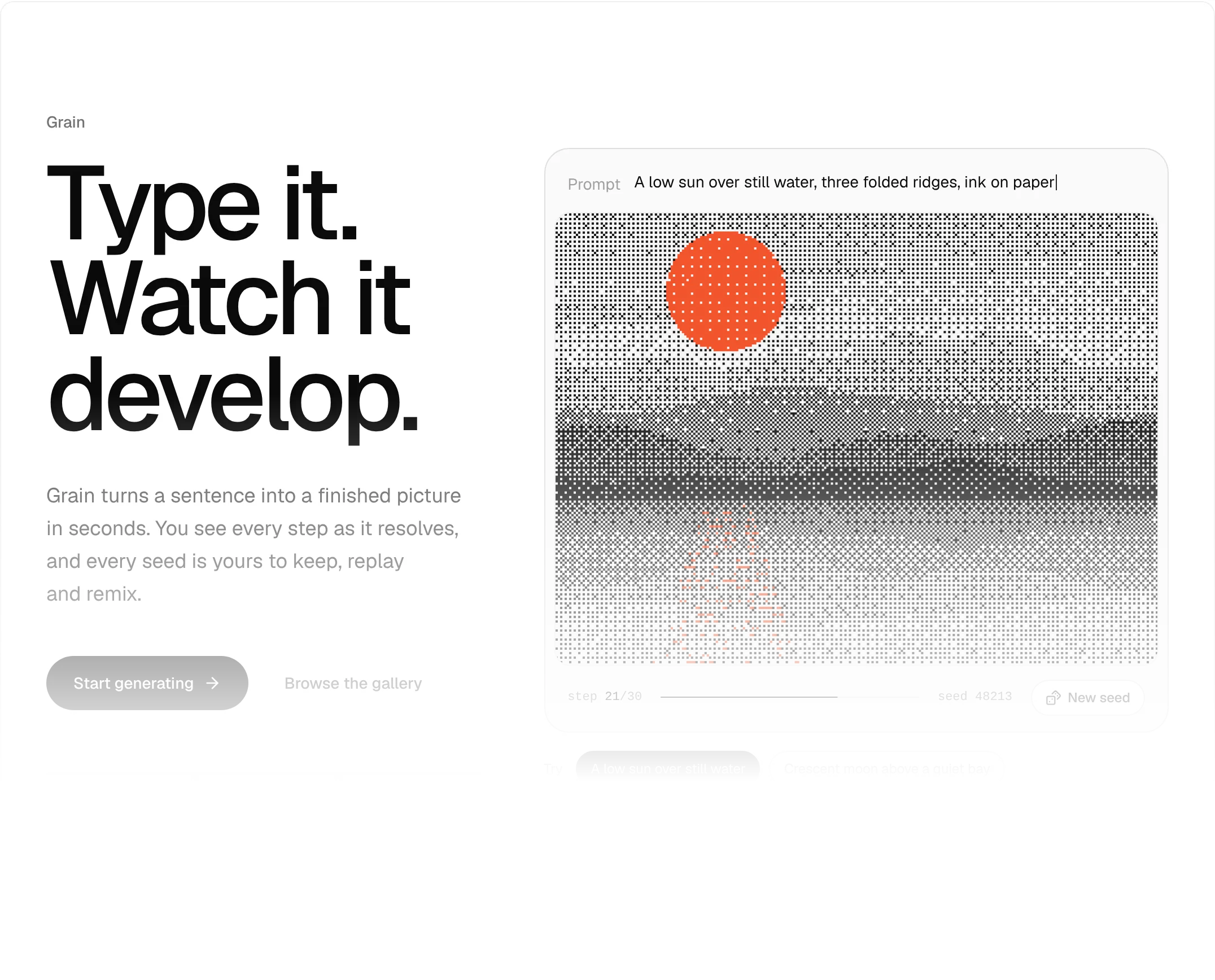
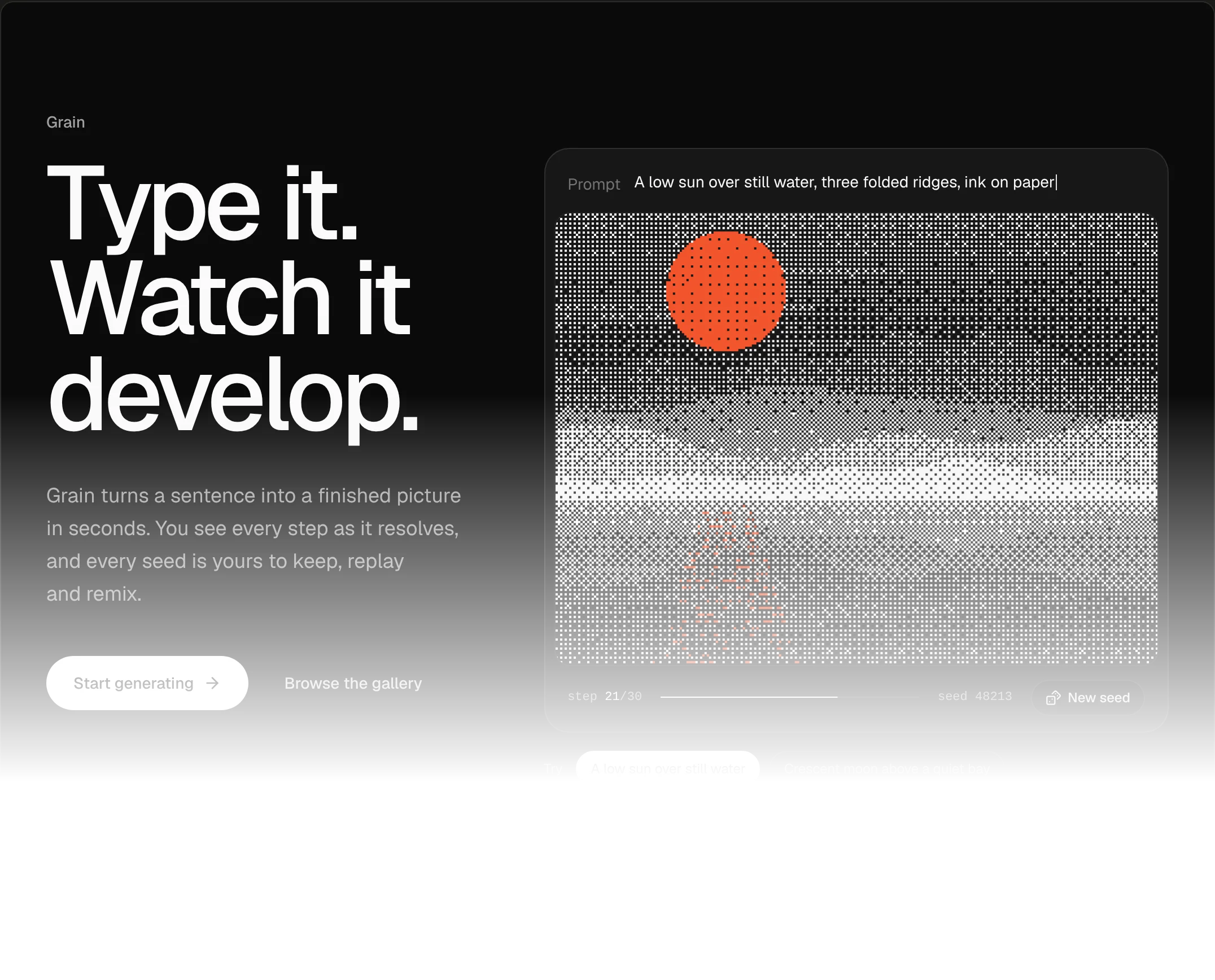
Dither Reveal Hero01
The prompt types itself in and the scene resolves from coarse dither.
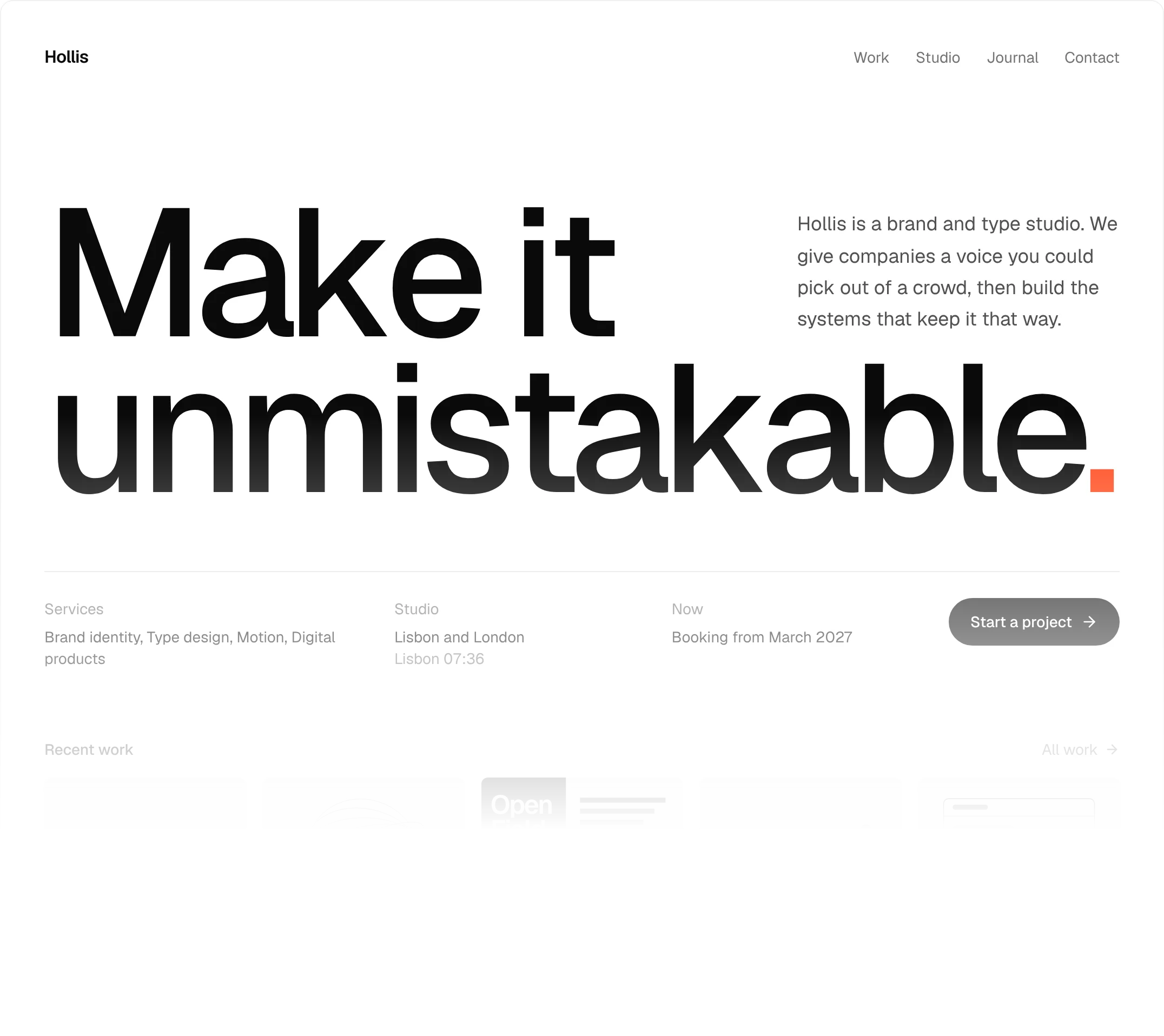
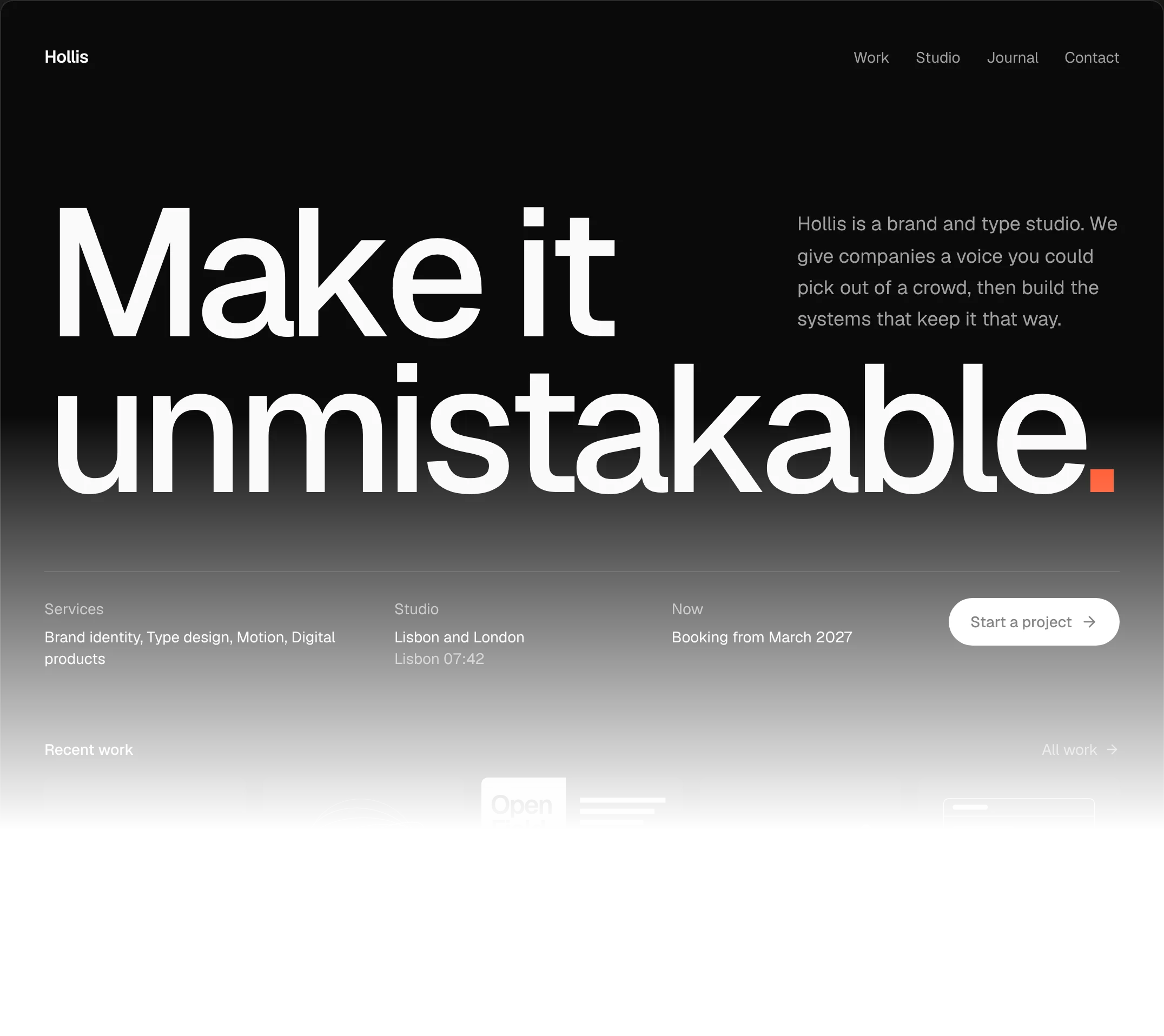
Kinetic Type Hero02
An edge-to-edge headline whose letters lean away from the cursor.
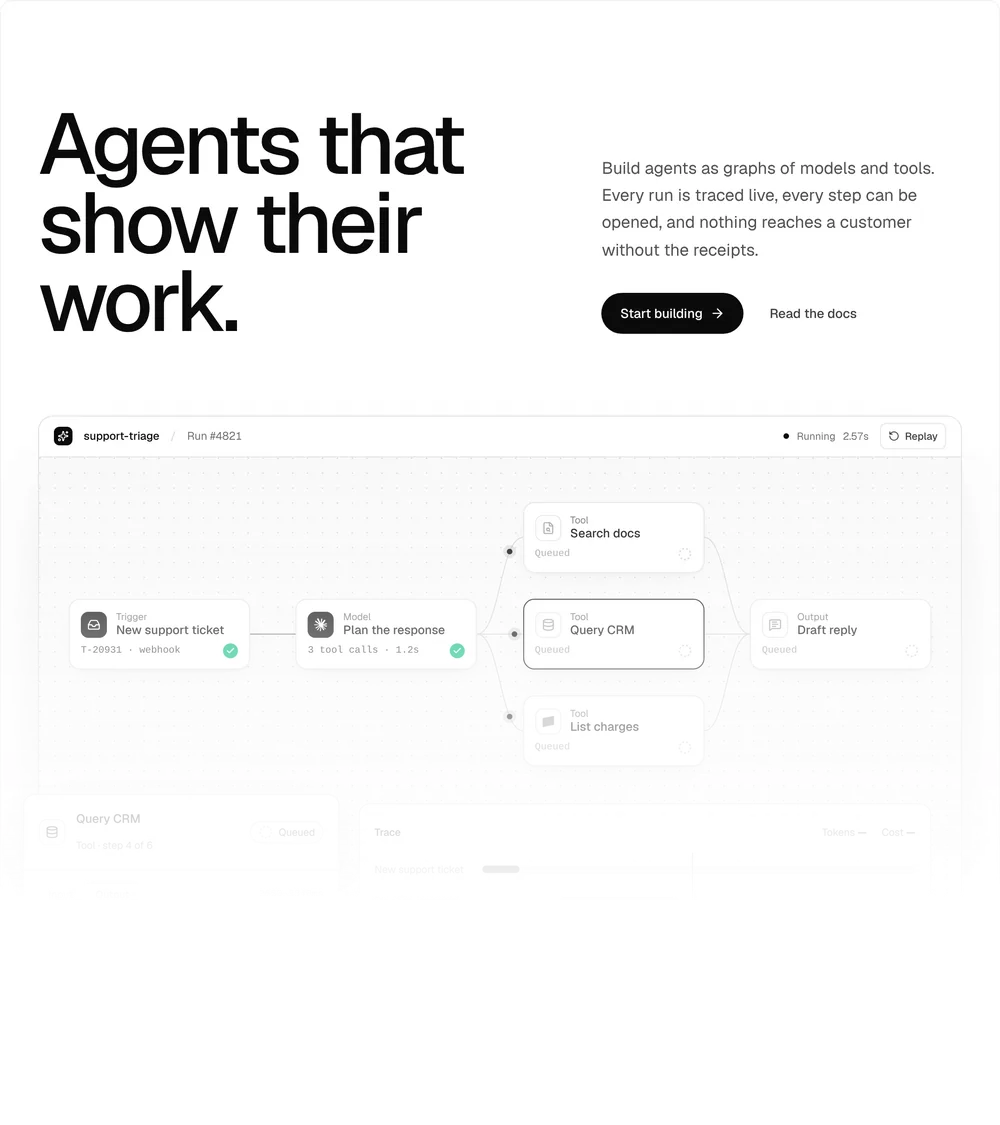
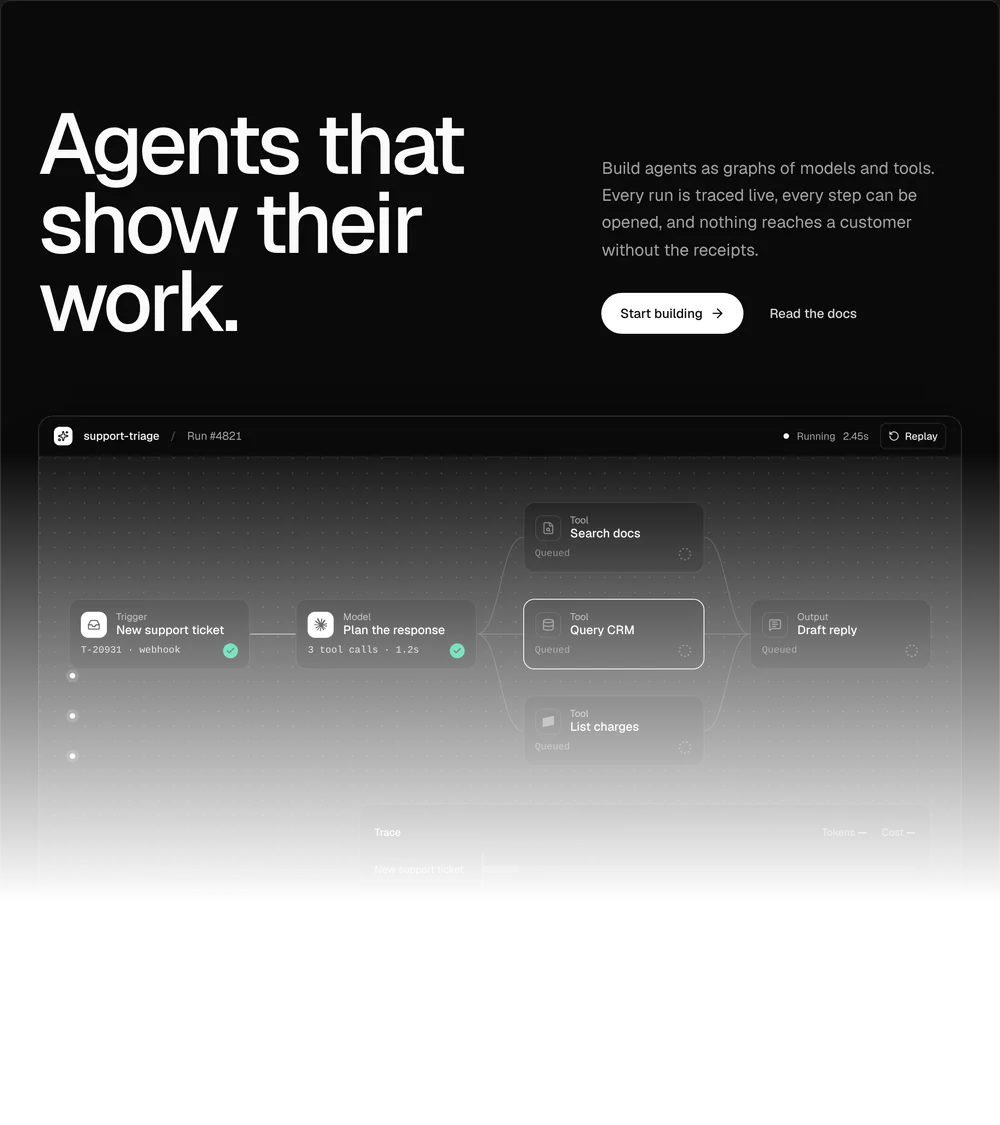
Agent Flow Hero03
A live node graph of a run: pulses travel the edges and steps tick their results.
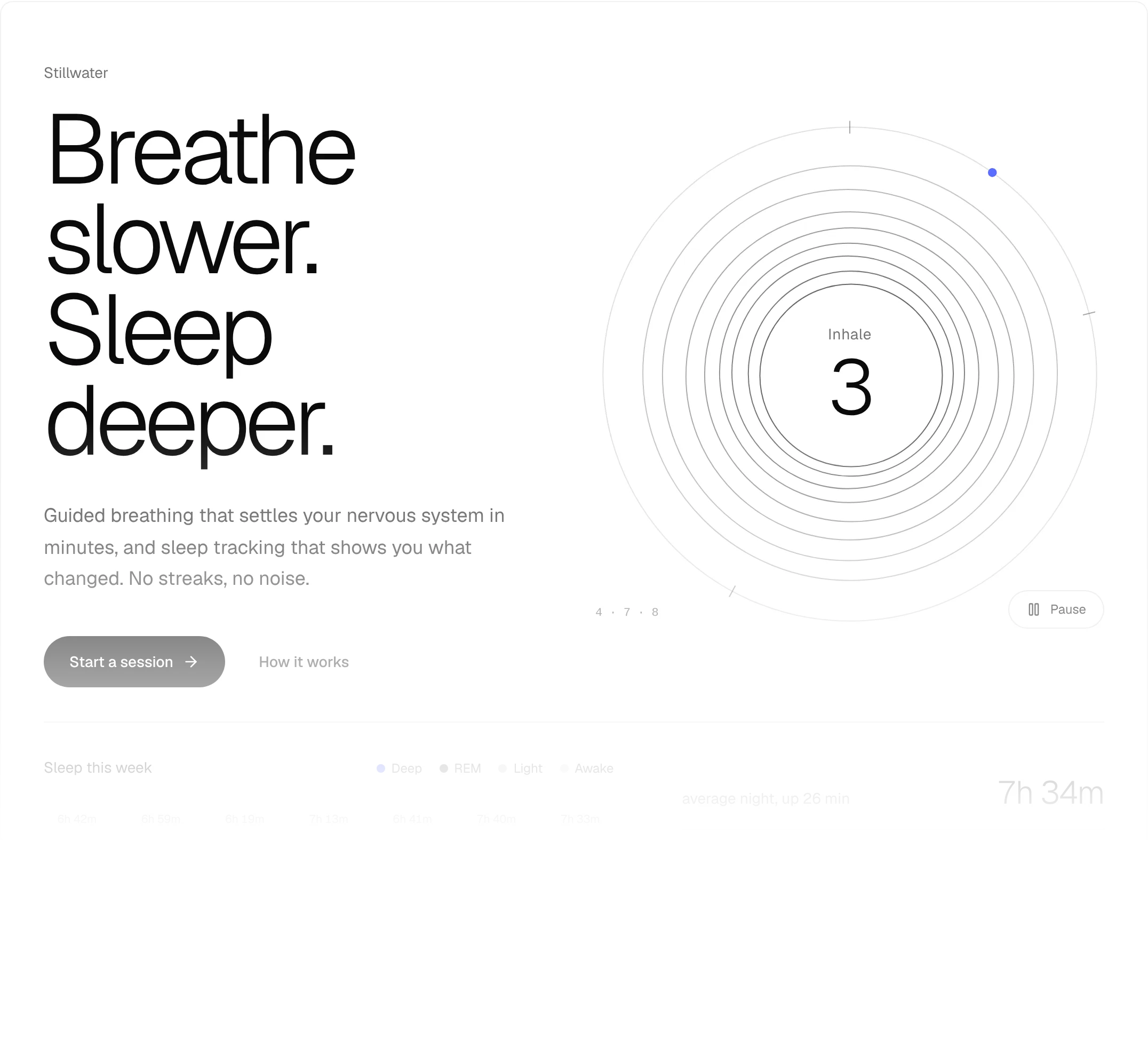
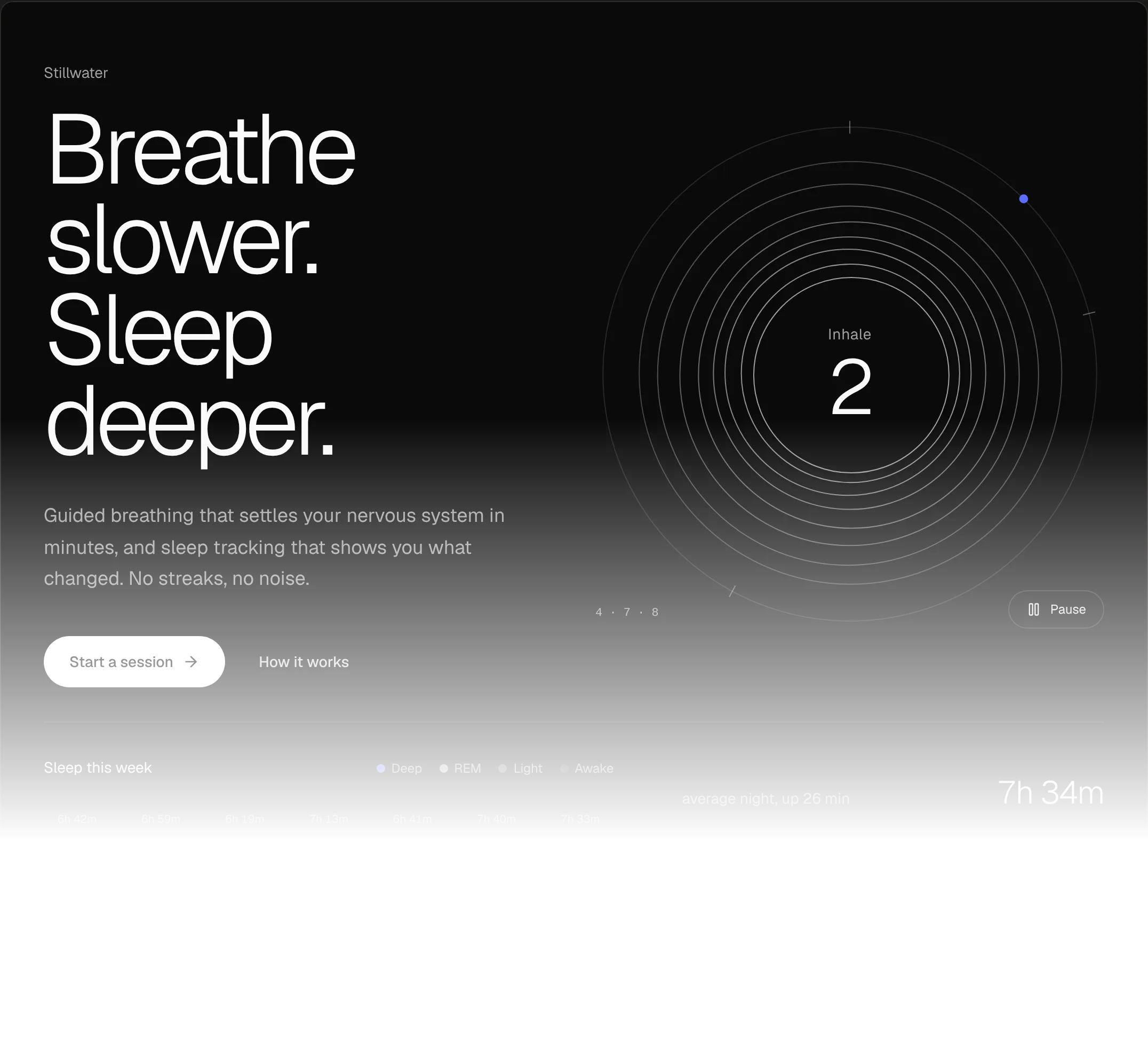
Rhythm Hero04
Hairline rings breathe a 4-7-8 cycle over a week of sleep data.
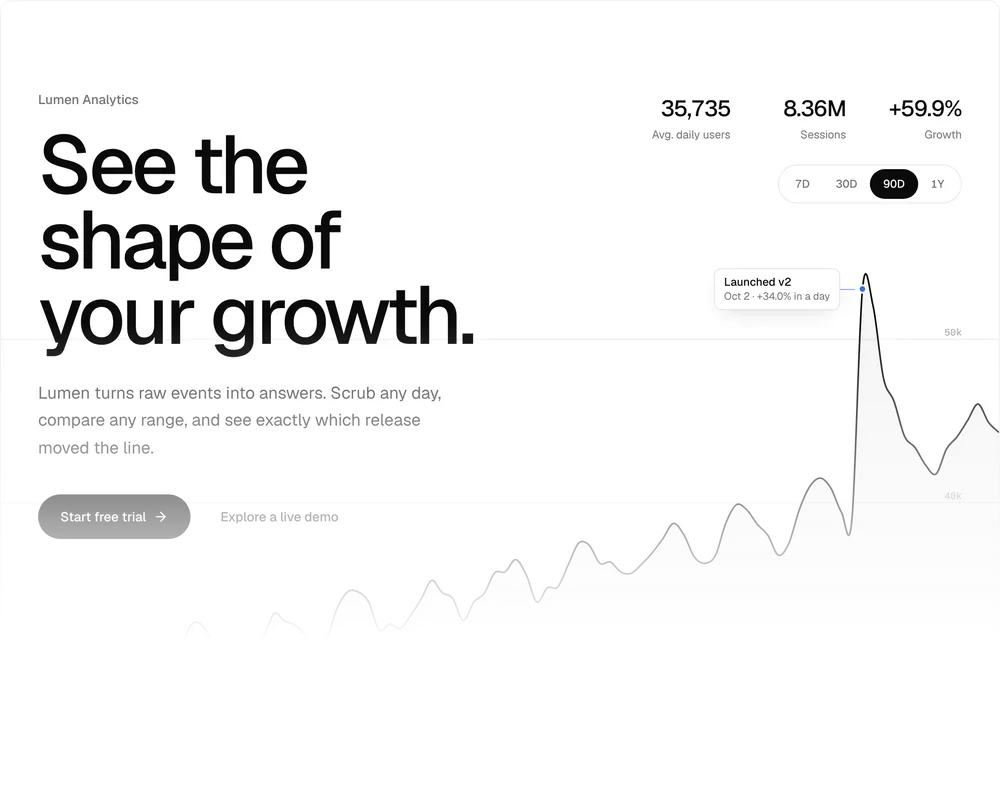
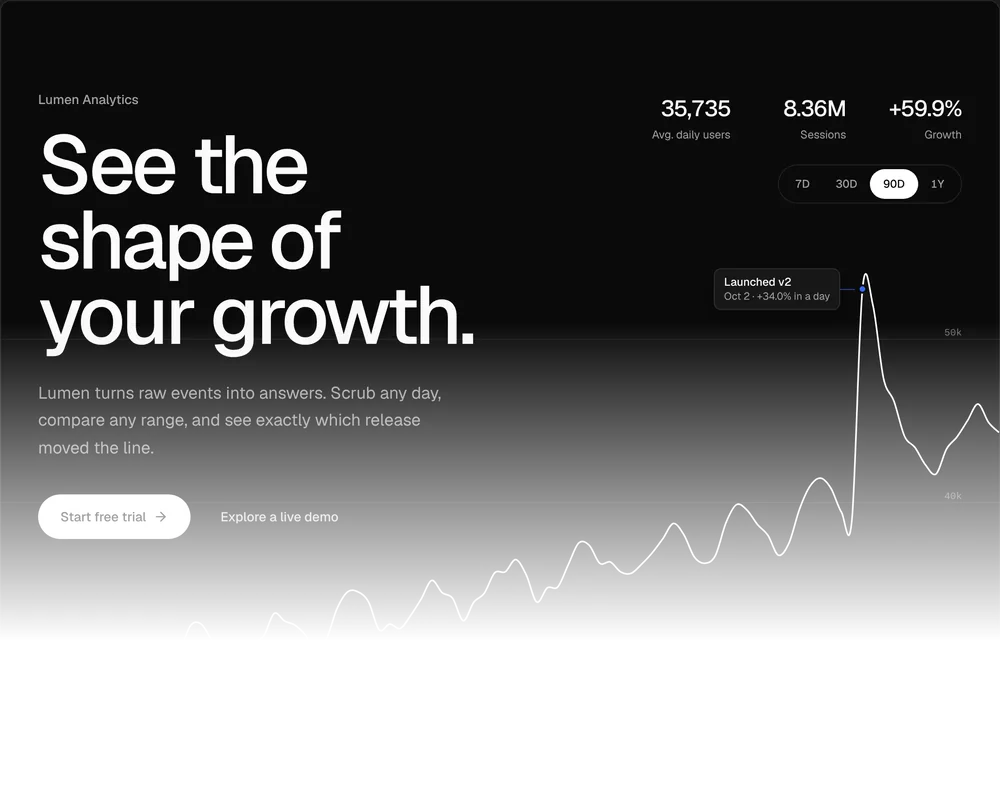
Chart Hero05
A full-bleed area chart with a scrub crosshair and range tabs that morph the line.
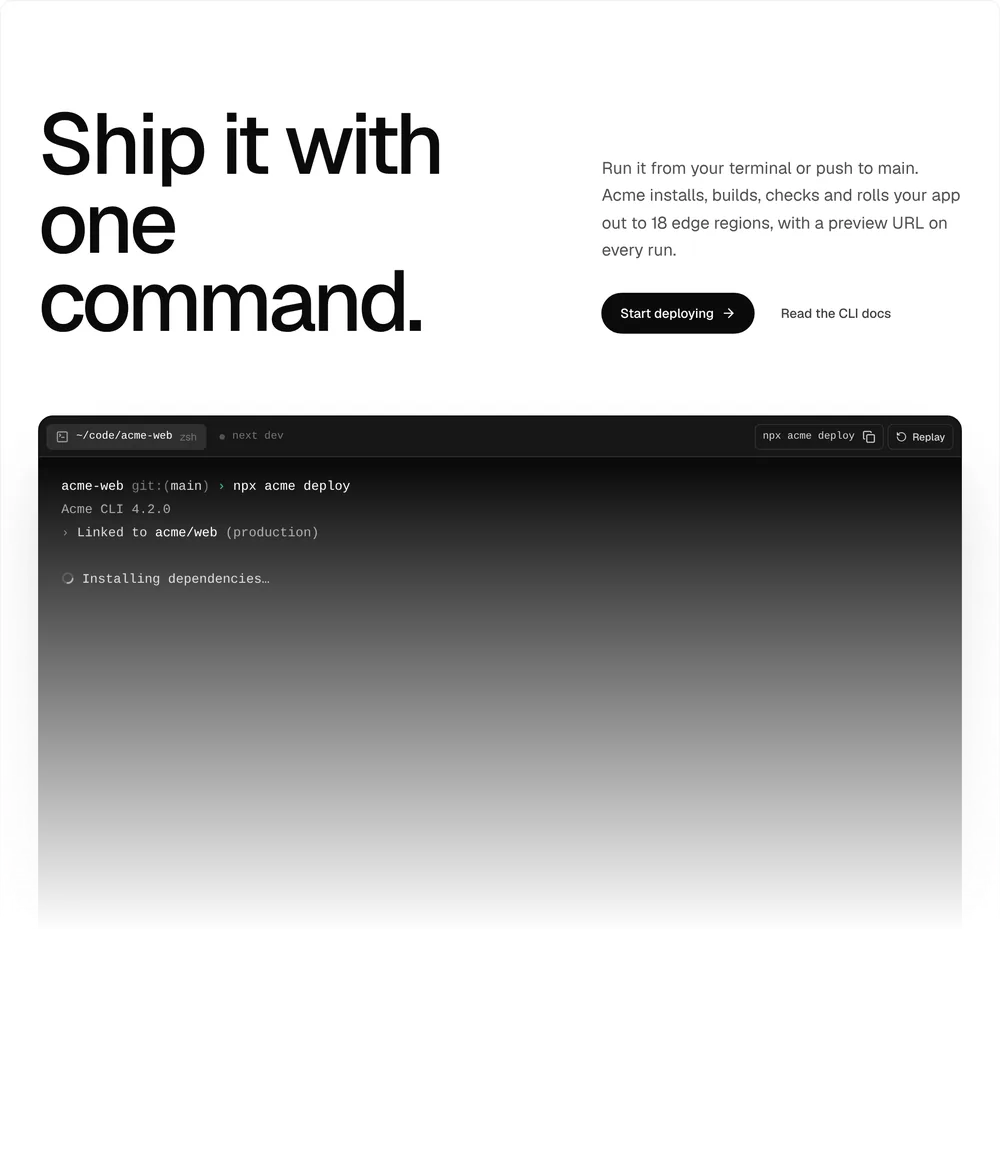
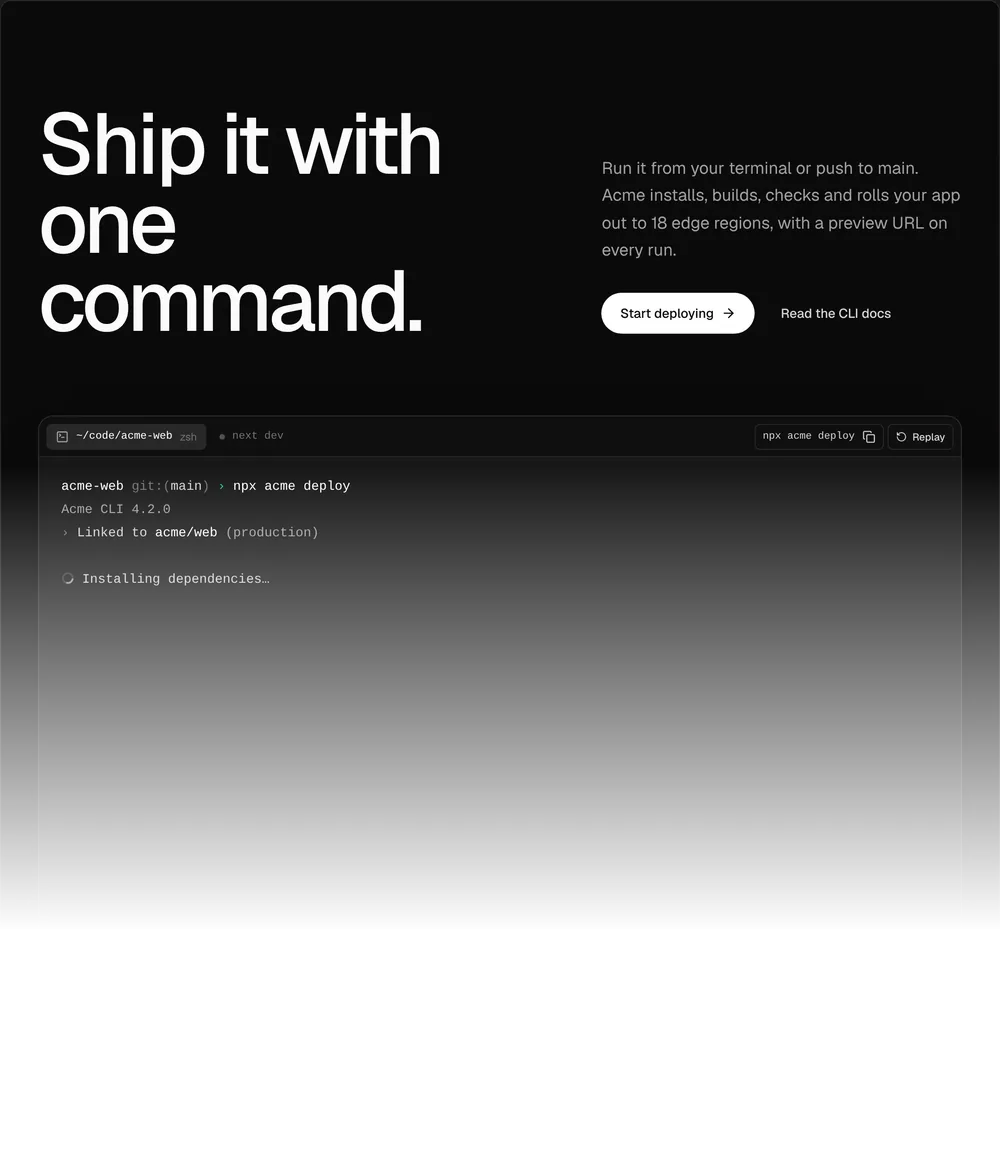
Terminal Hero06
A big terminal streams a deploy, then a preview card and passing checks land.
App UI
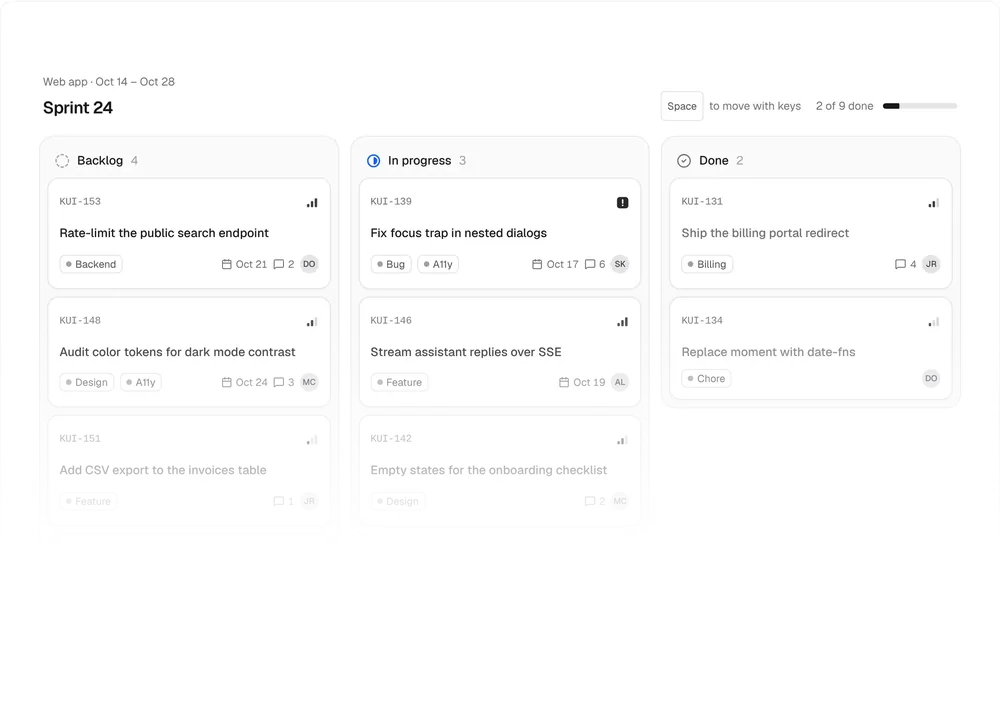
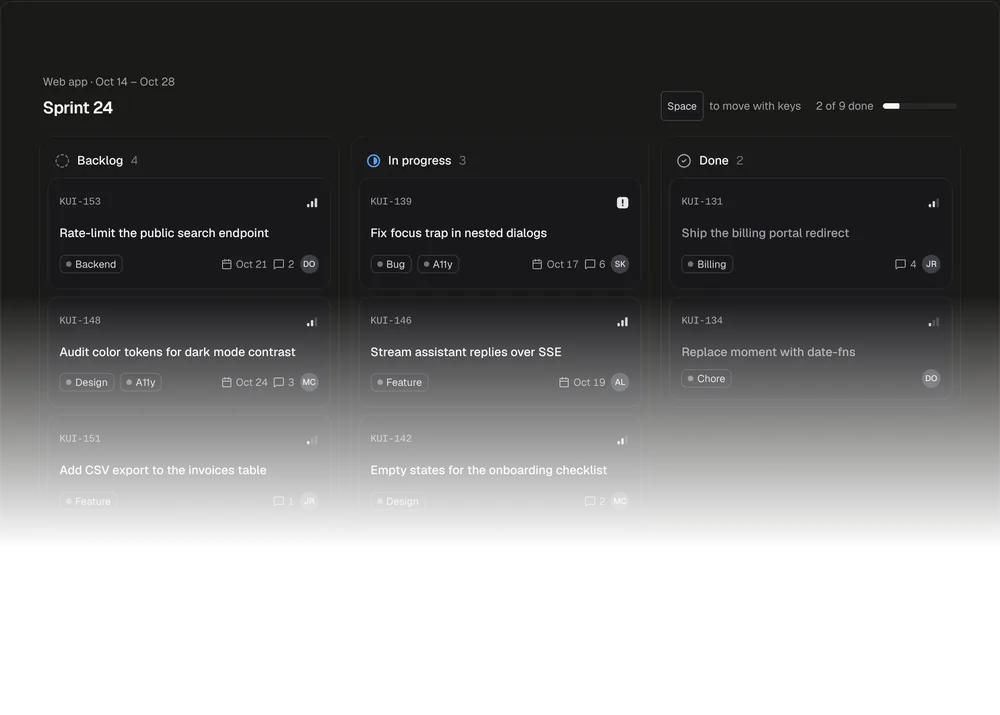
Kanban Board01
Drag cards between columns, or move them with Space and the arrow keys.
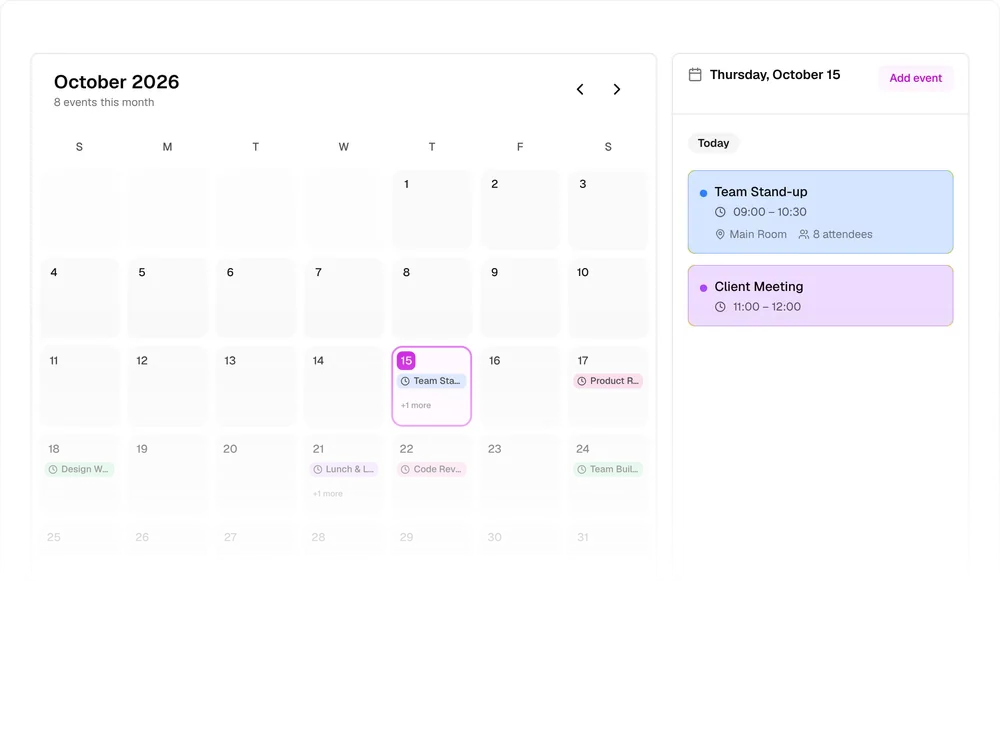
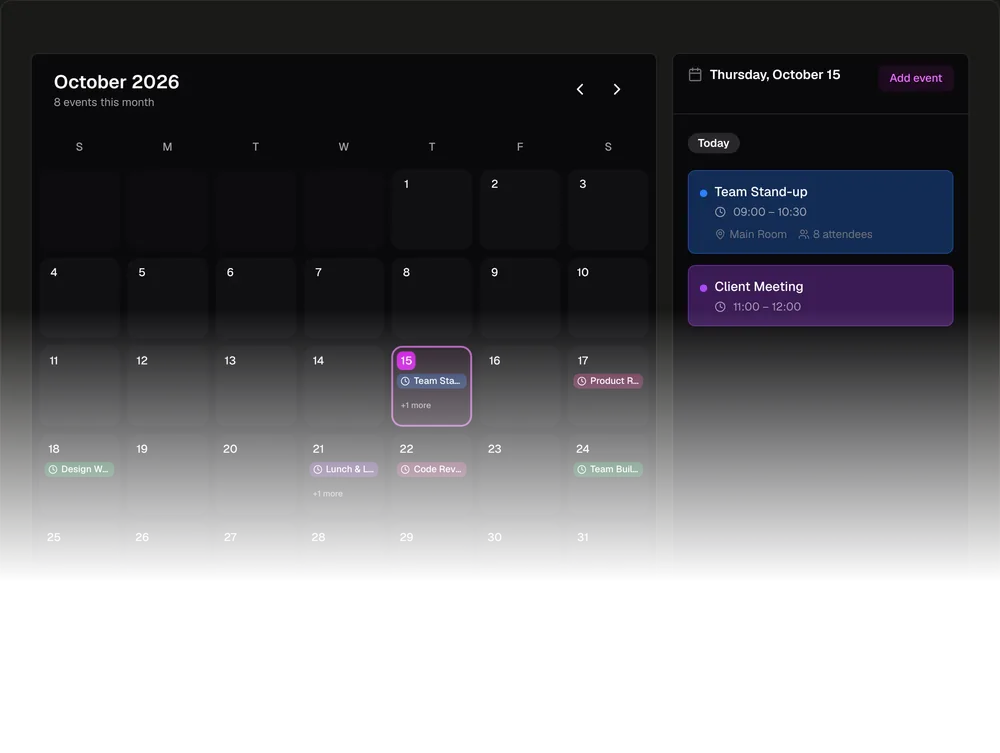
Calendar Schedule02
Event chips on a month, and the selected day's events beside it.
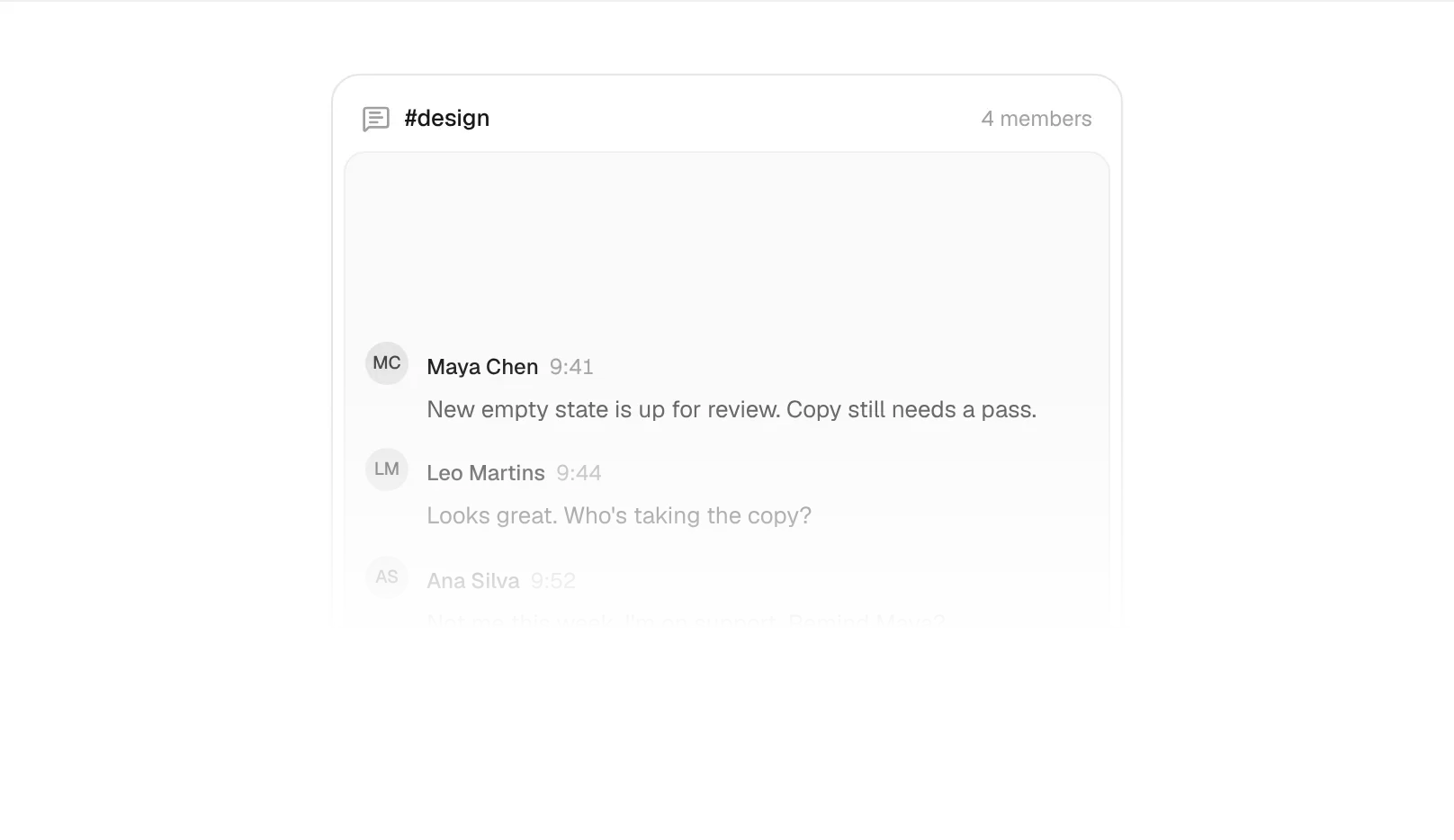
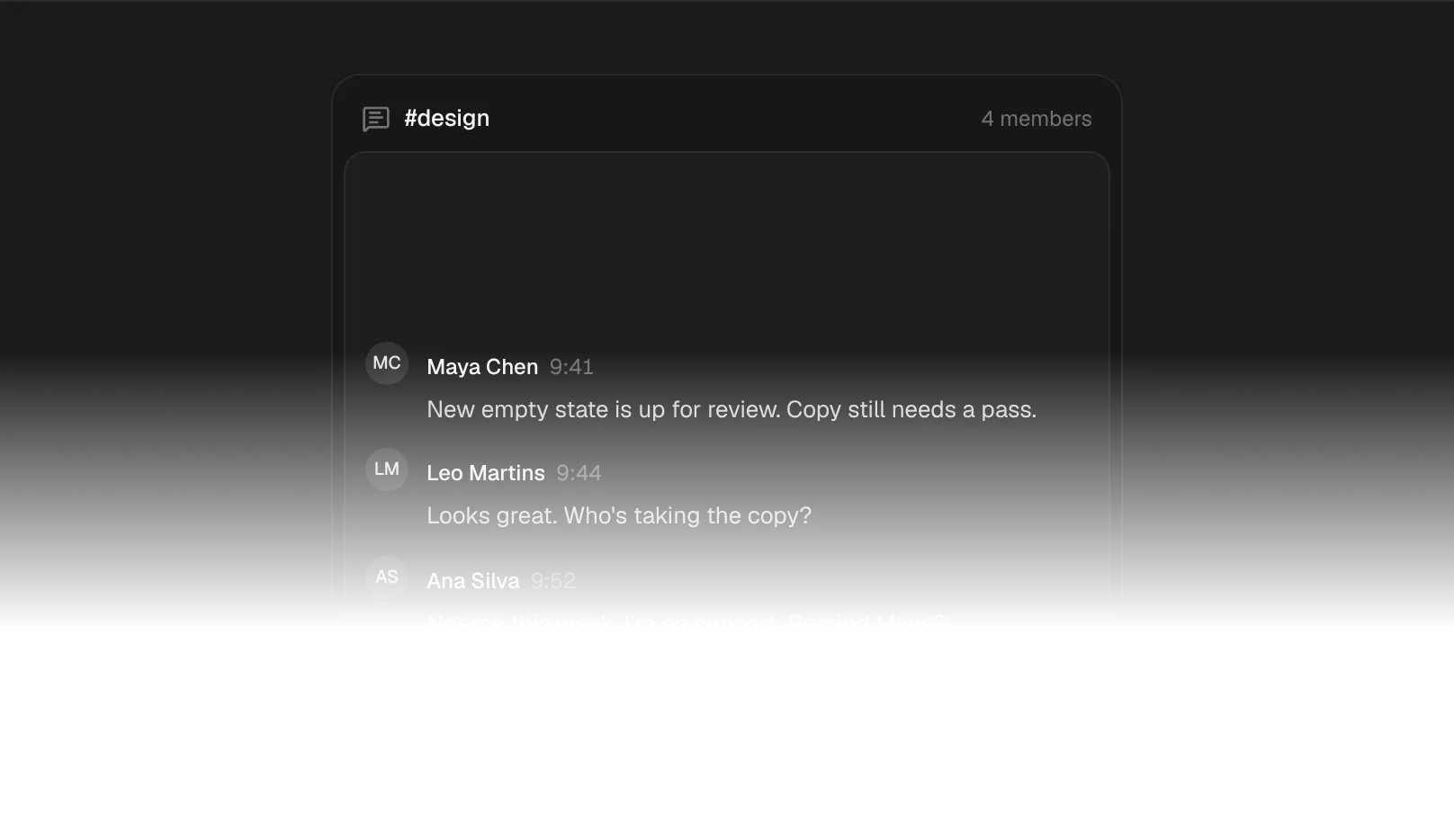
Slash Command Menu03
Type / to pick a command, and a hint bar fills in its arguments.
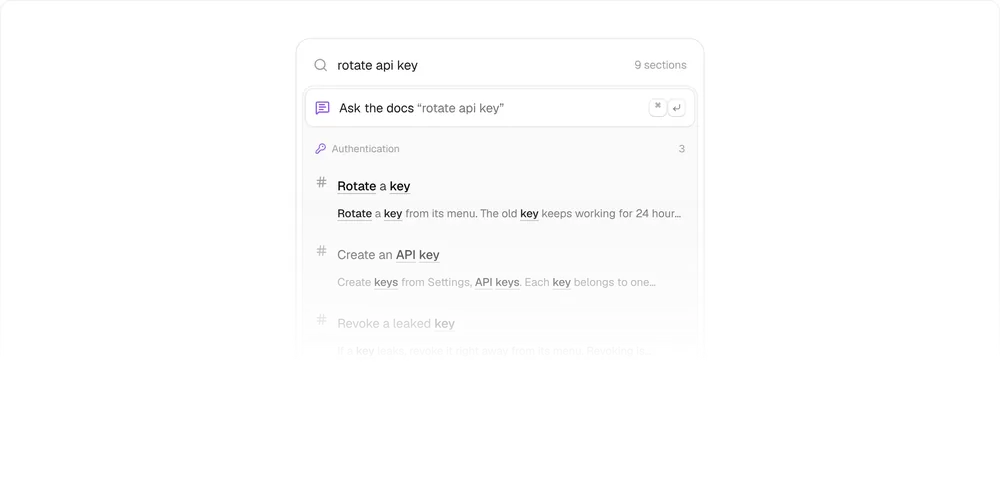
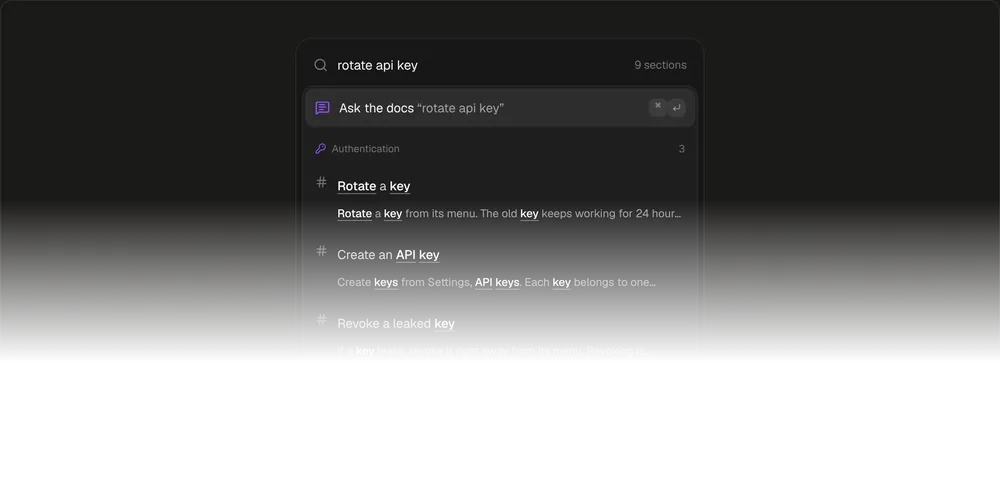
Docs Search04
Hits grouped by page, and an answer that cites each source.
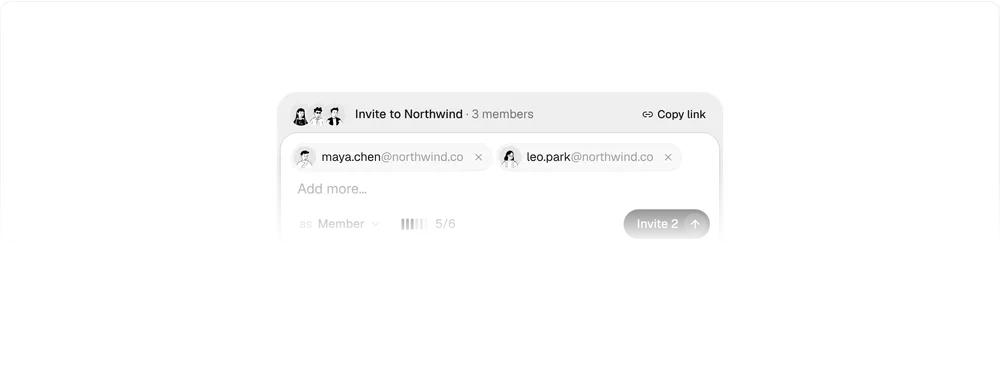
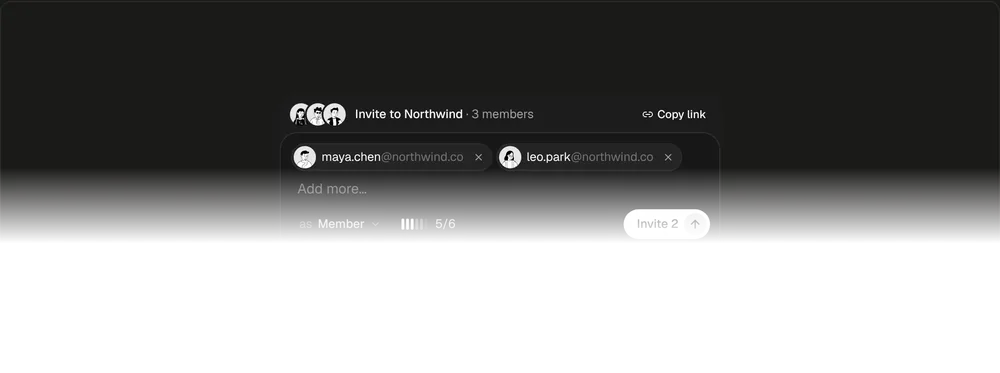
Team Invite Card05
Paste emails, pick a role, check seats and send with Undo.
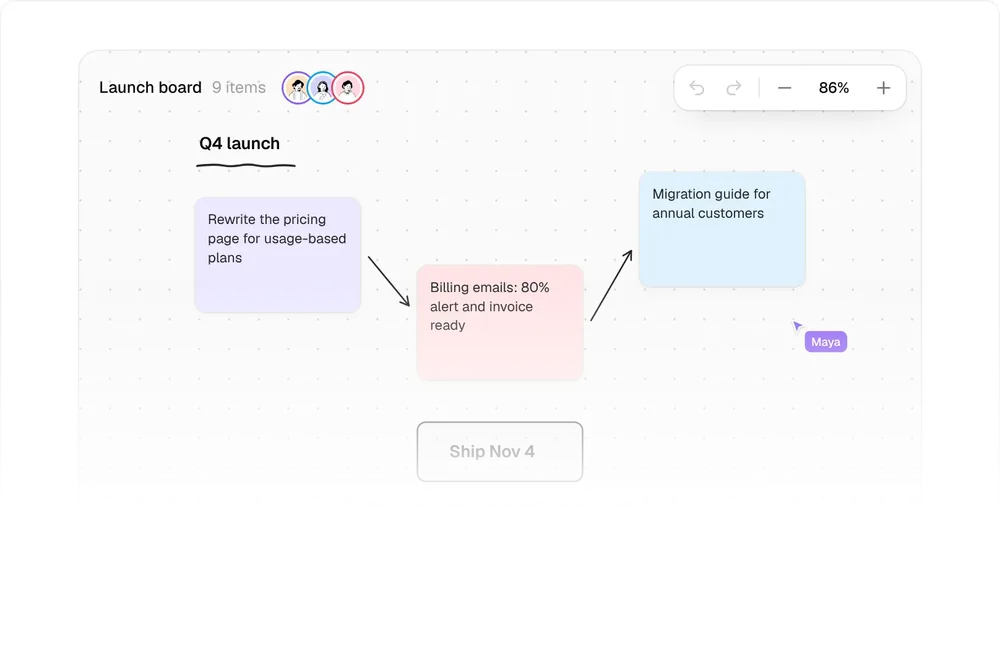
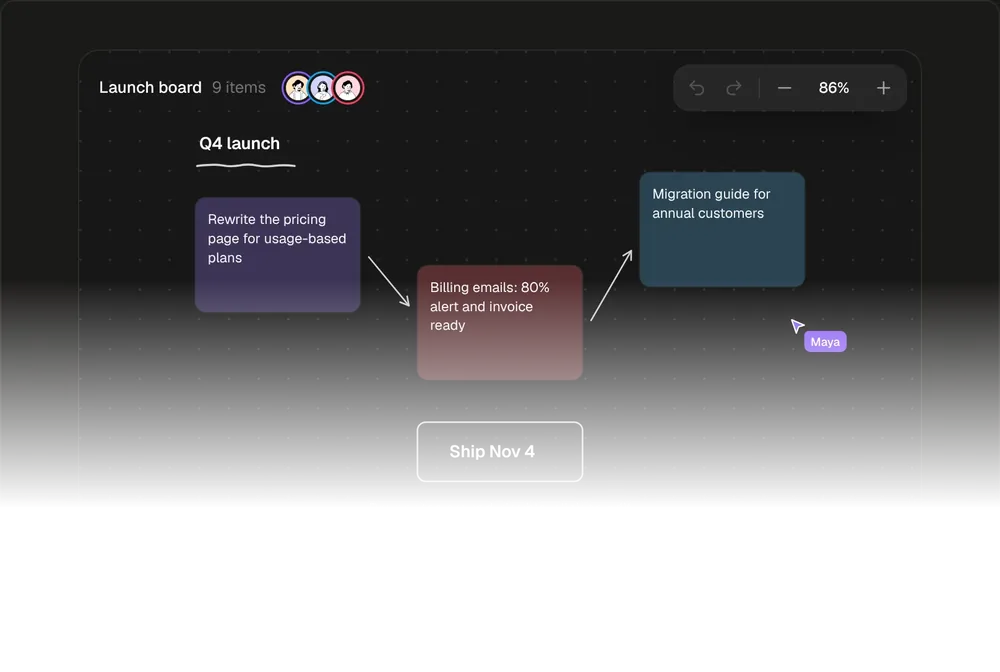
Canvas Toolbar06
A whiteboard's tool dock with keys, sticky notes and live cursors.
Cards
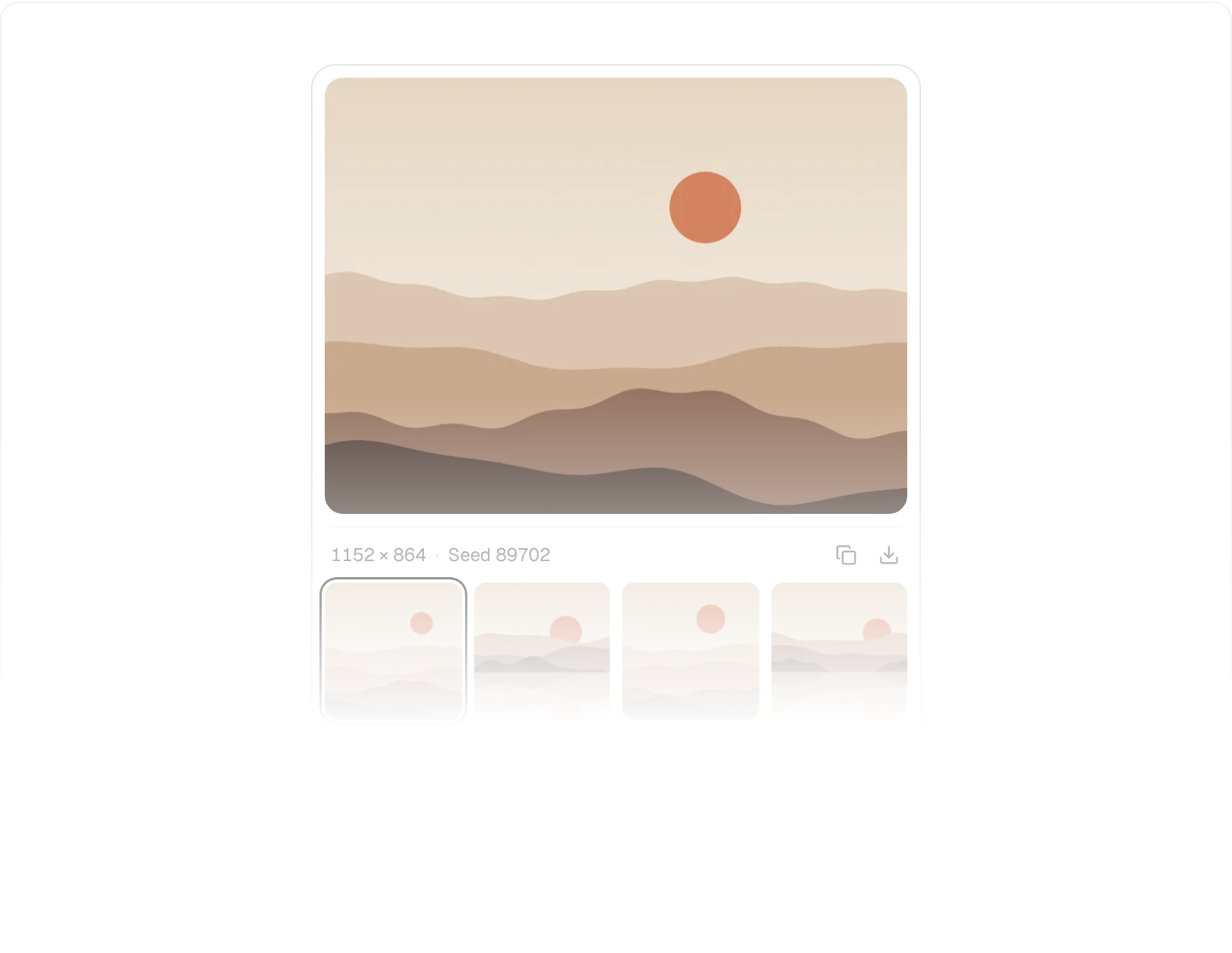
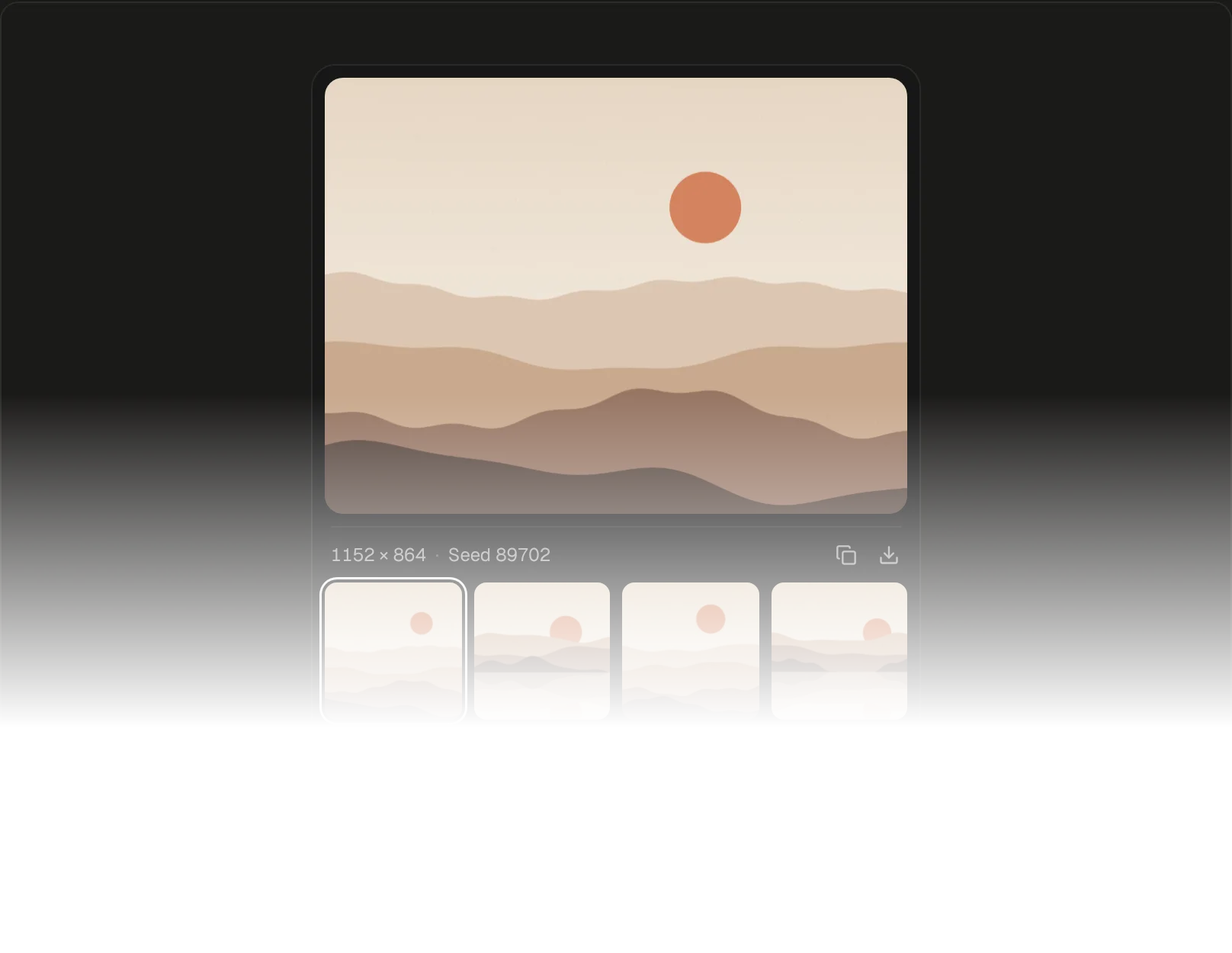
Image Generation Card01
The image resolves from coarse pixels to sharp, then four variations land.
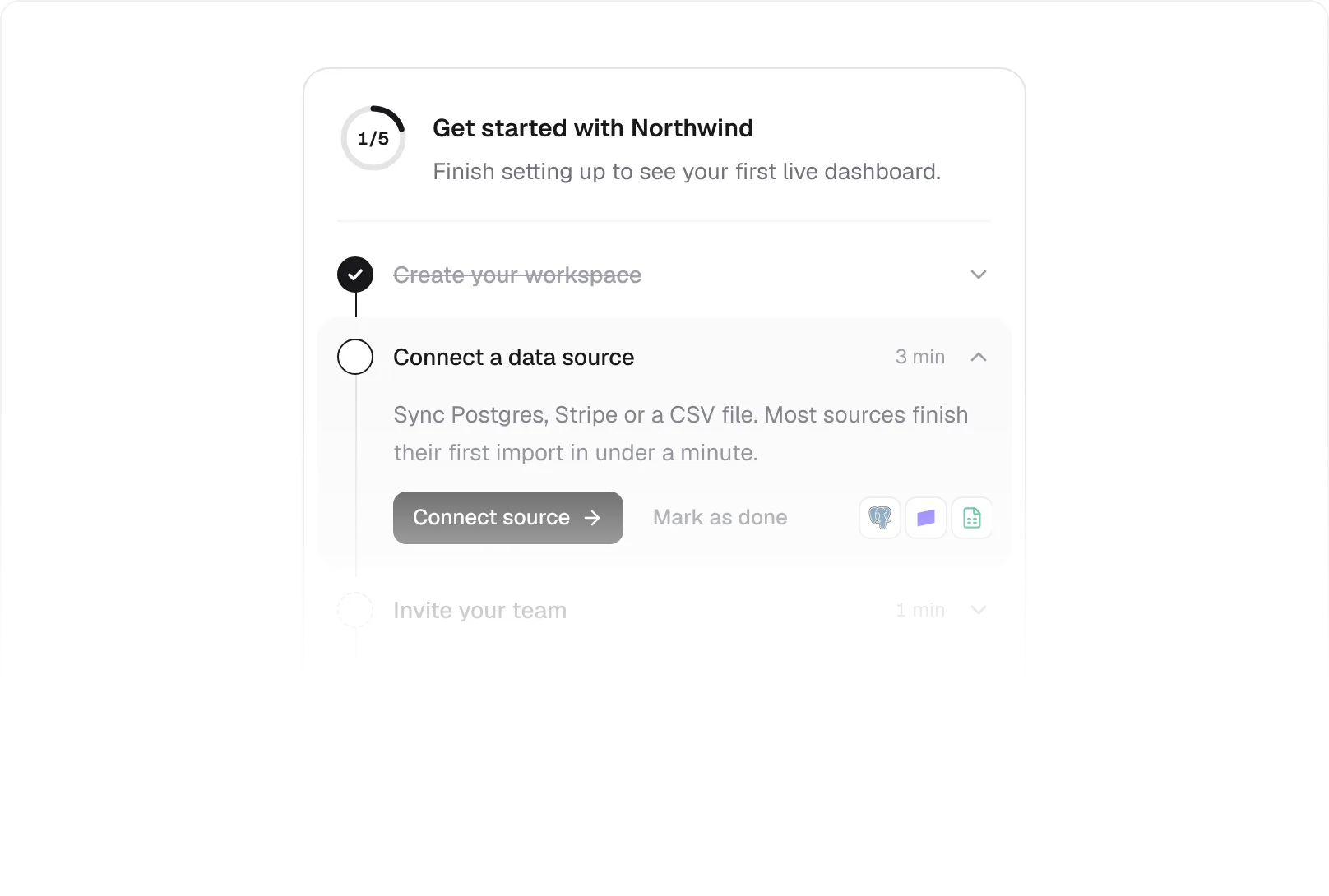
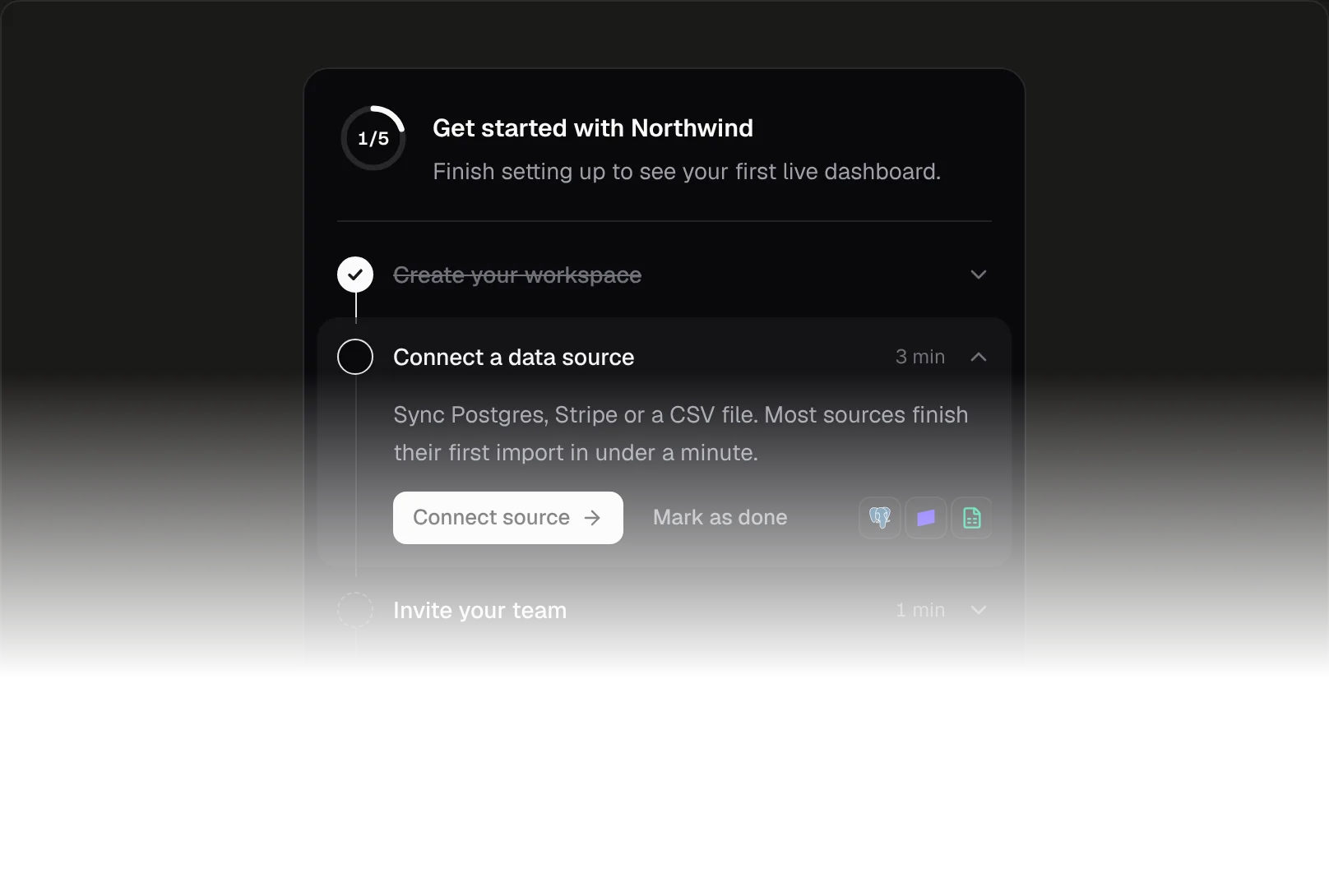
Onboarding Checklist02
The ring fills as steps are checked and the next one opens.
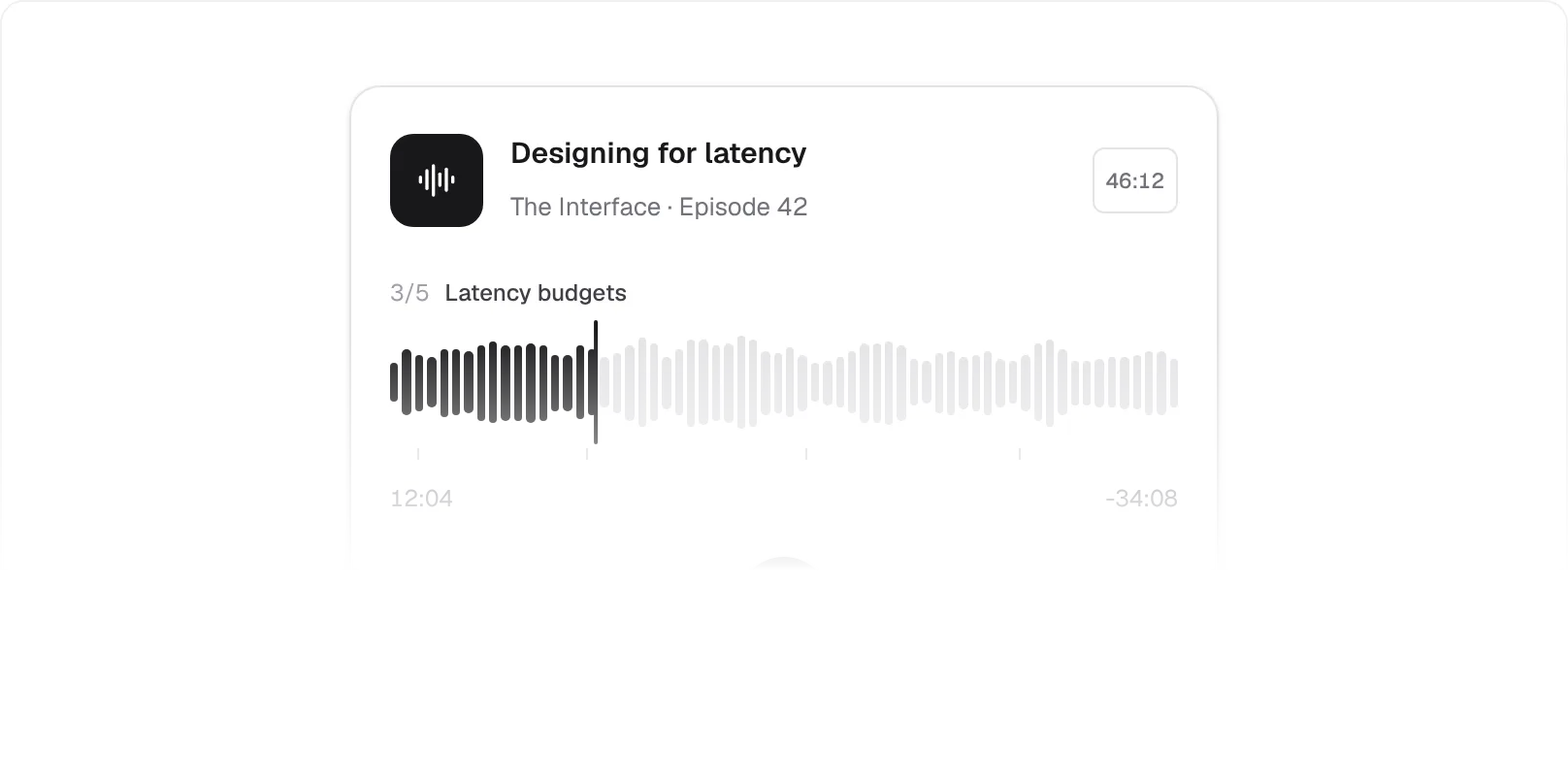
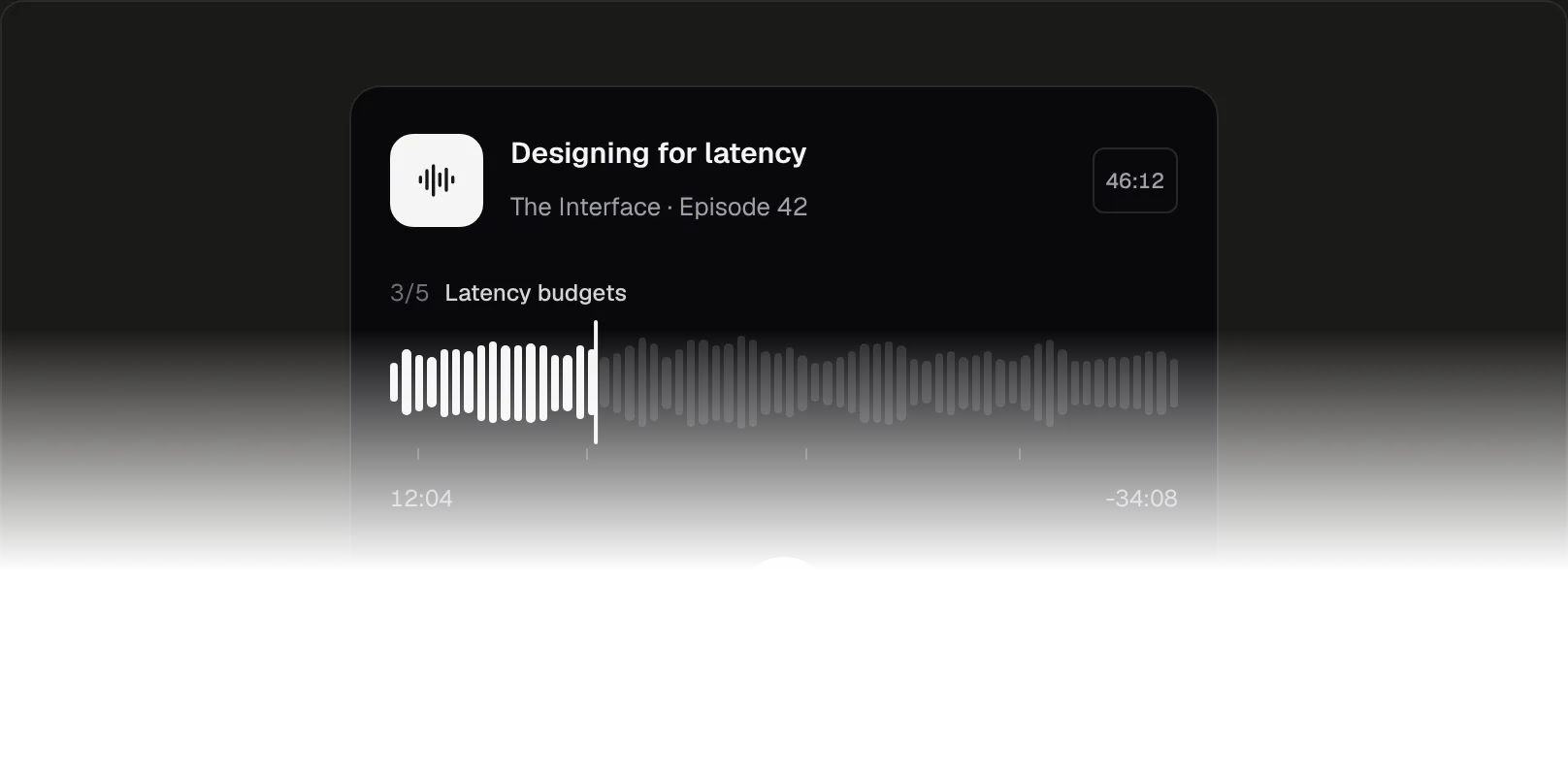
Audio Player Card03
Scrub the waveform and chapter names show as you pass them.
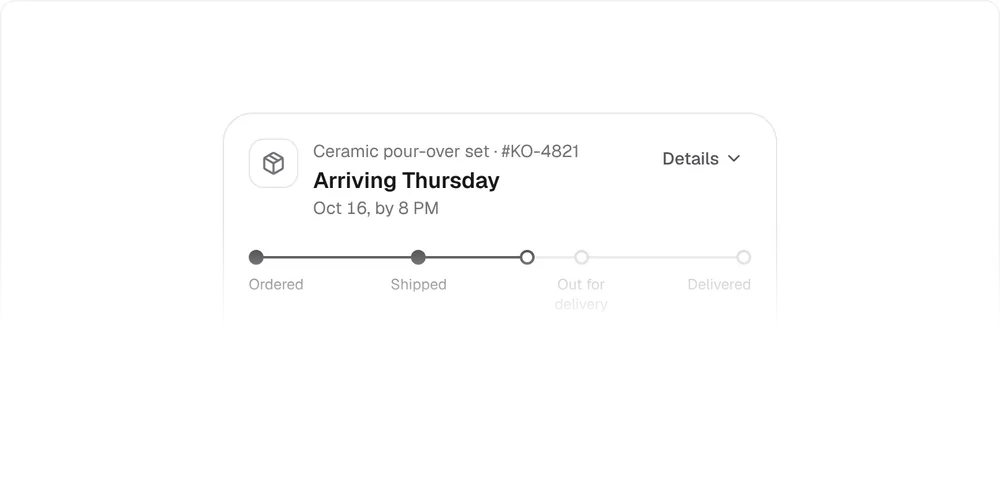
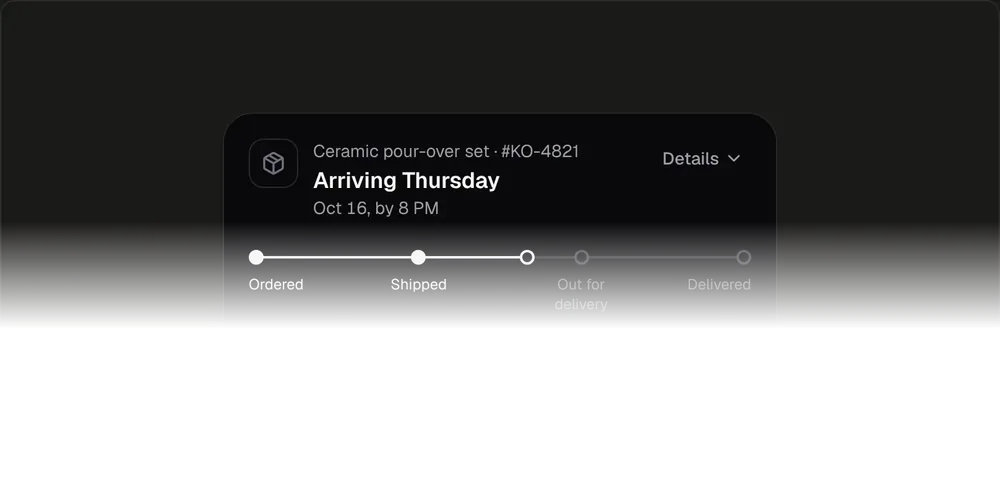
Order Tracker04
A milestone rail that unfolds into the full scan history.
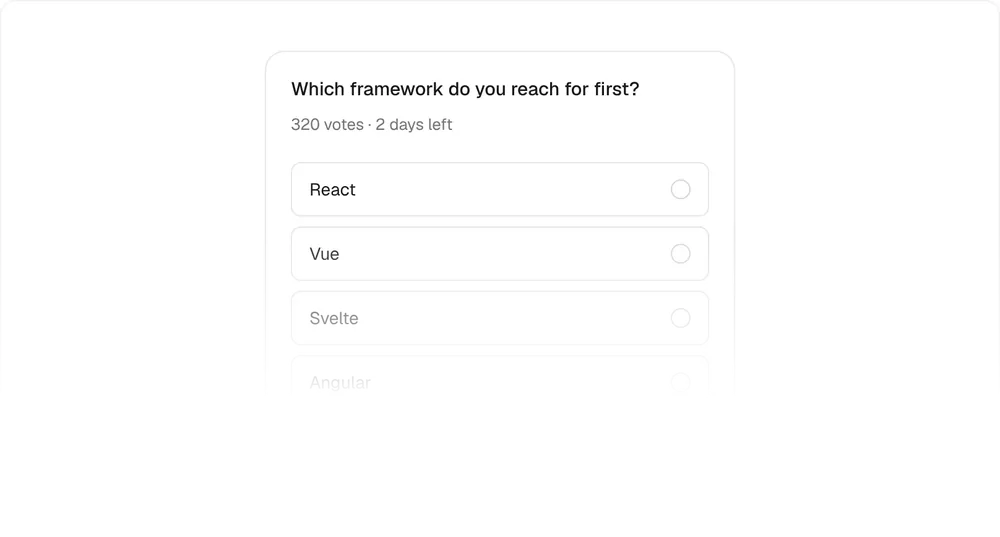
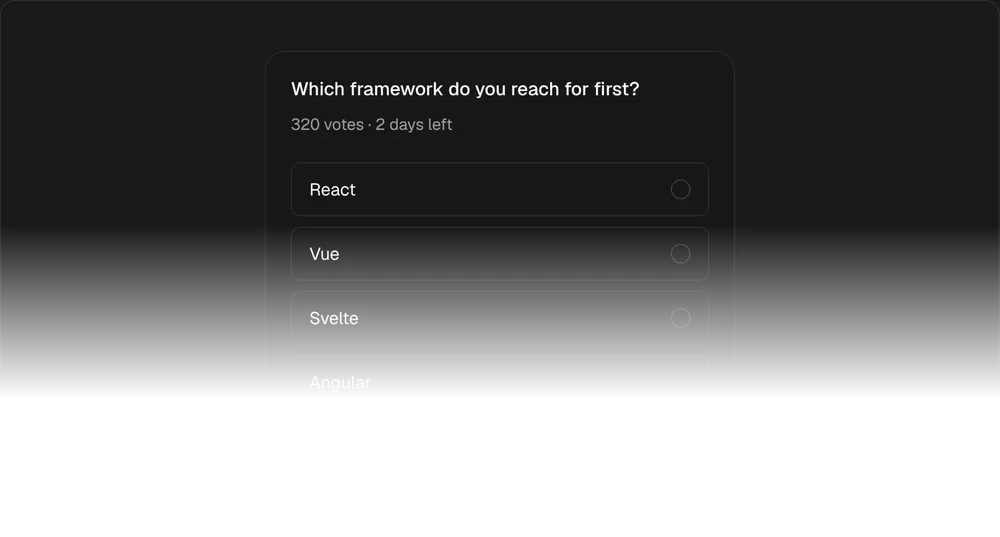
Poll Card05
Choosing is voting: bars grow to their share and Undo stays for five seconds.
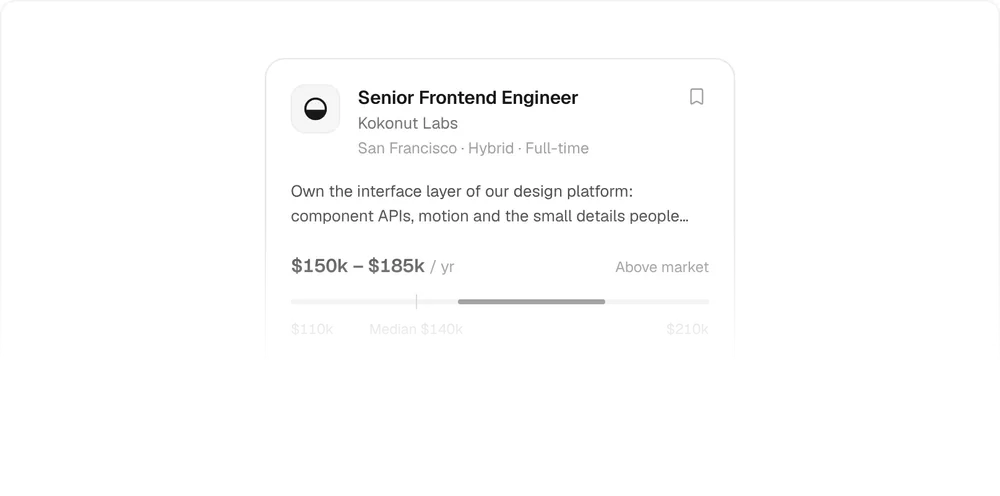
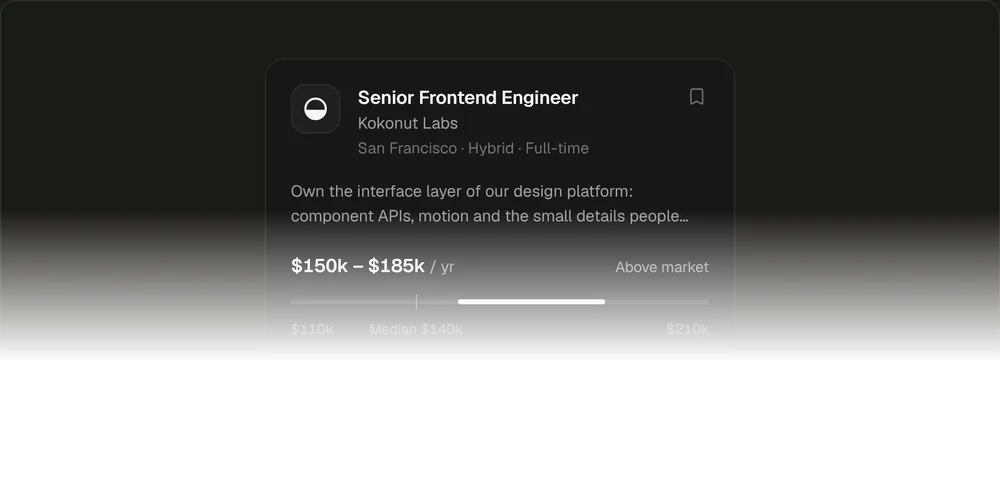
Job Listing Card06
Apply without leaving the card, with the salary on a market range.
Inputs
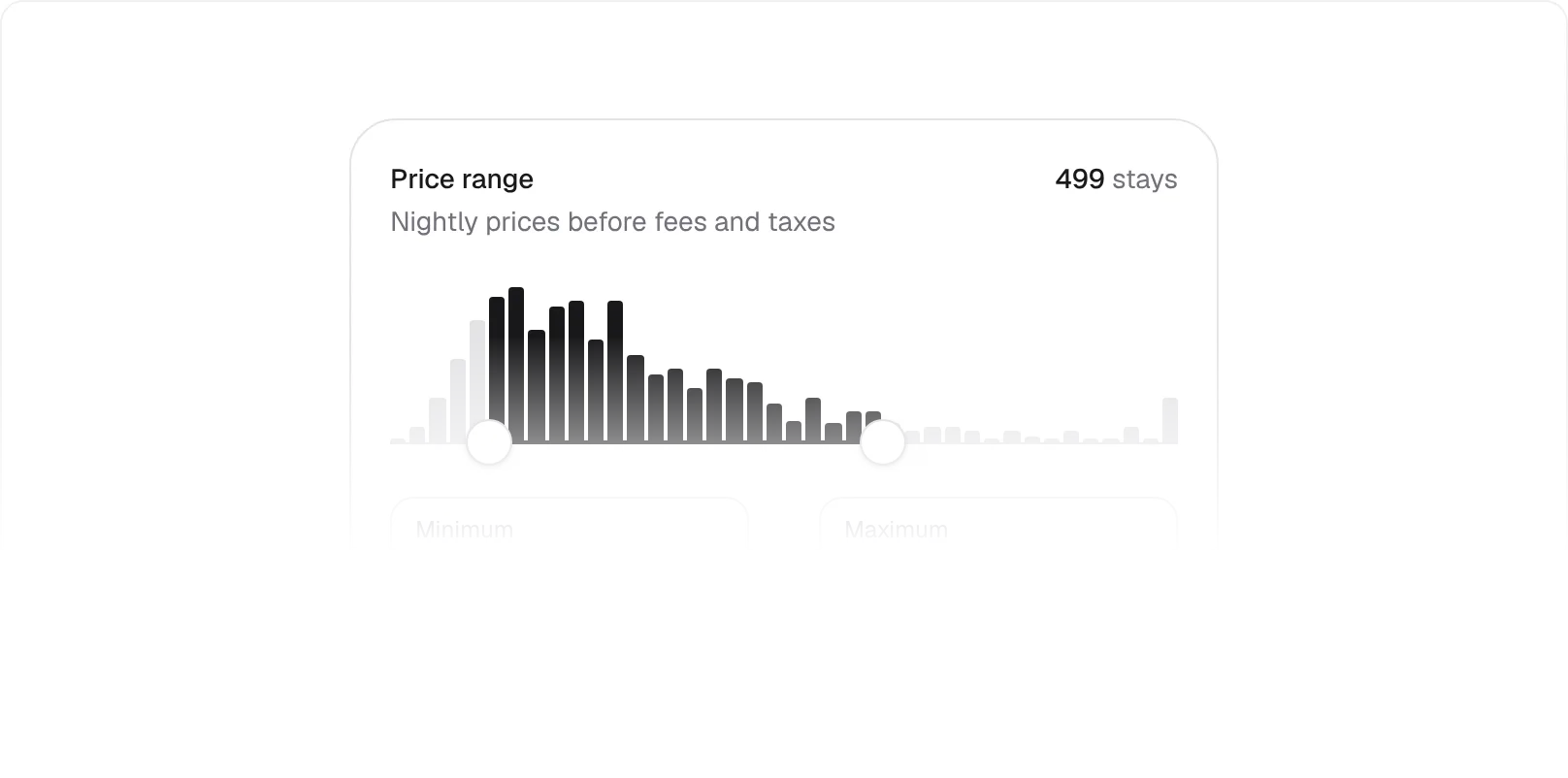
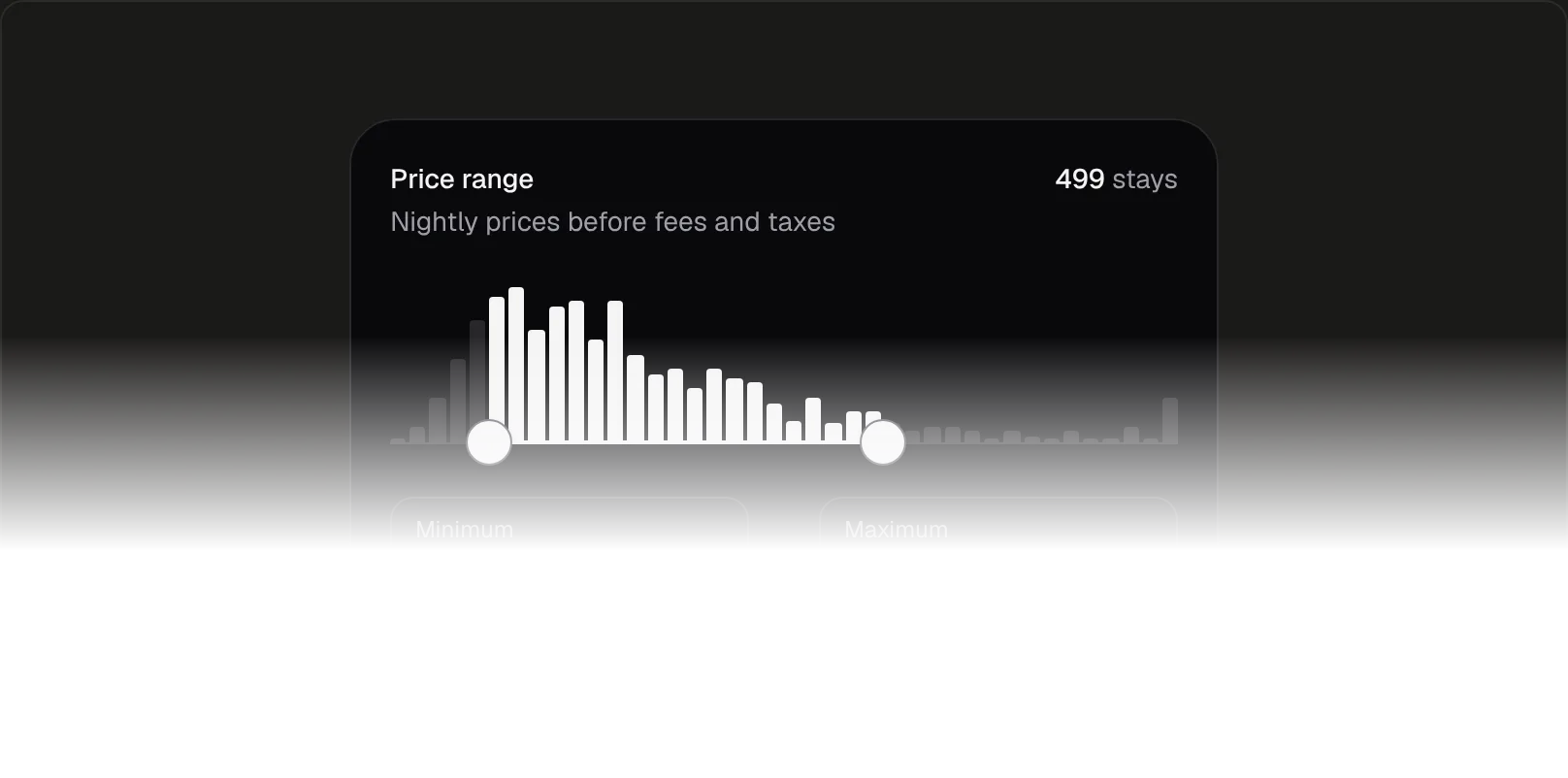
Price Range01
Two handles over a histogram, and the result count follows.
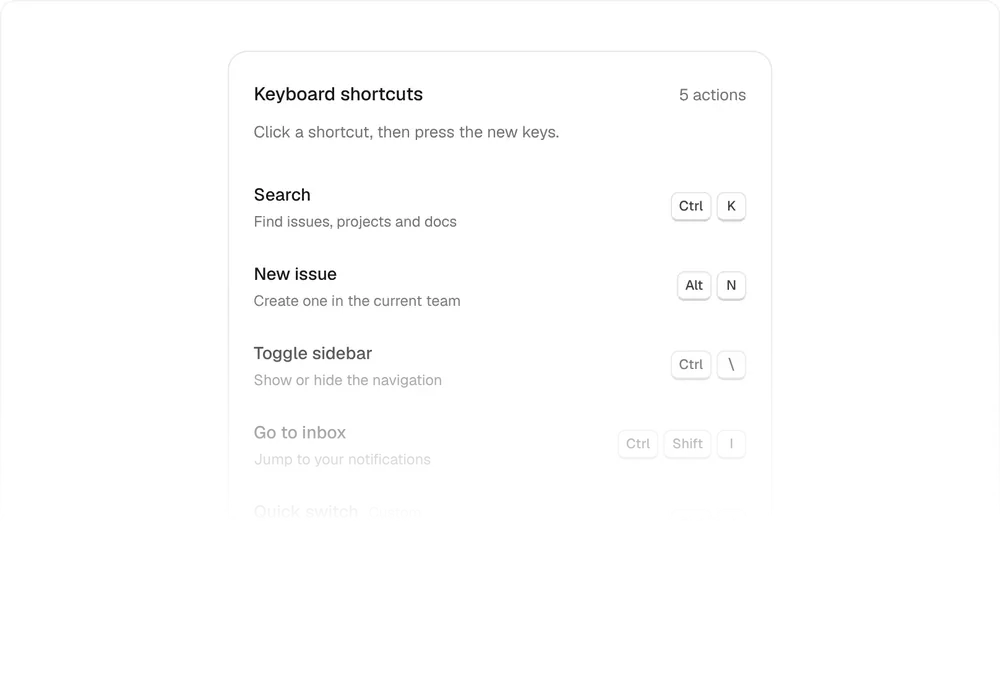
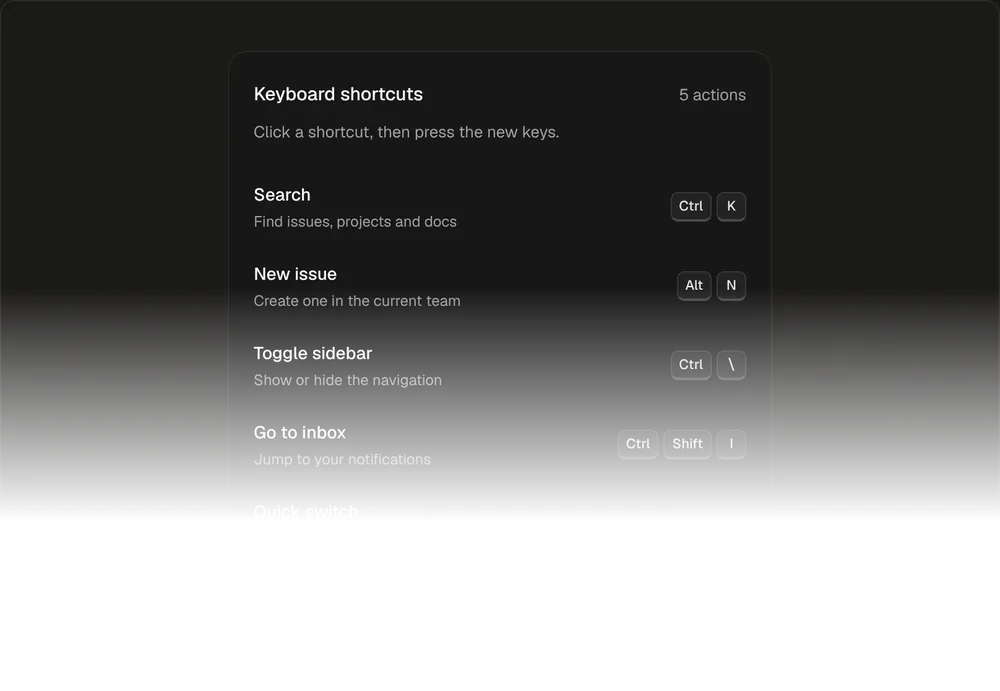
Shortcut Recorder02
Hold keys to record a binding, and clashes offer to replace.
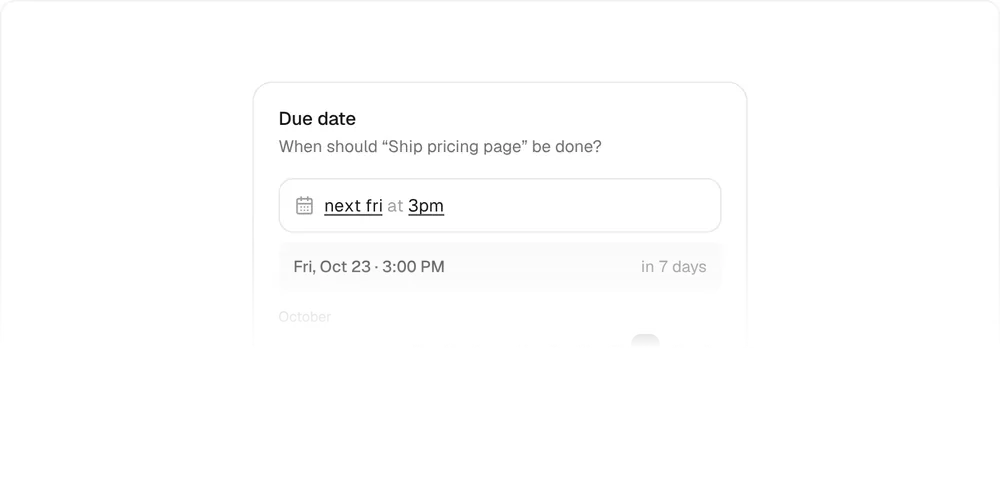
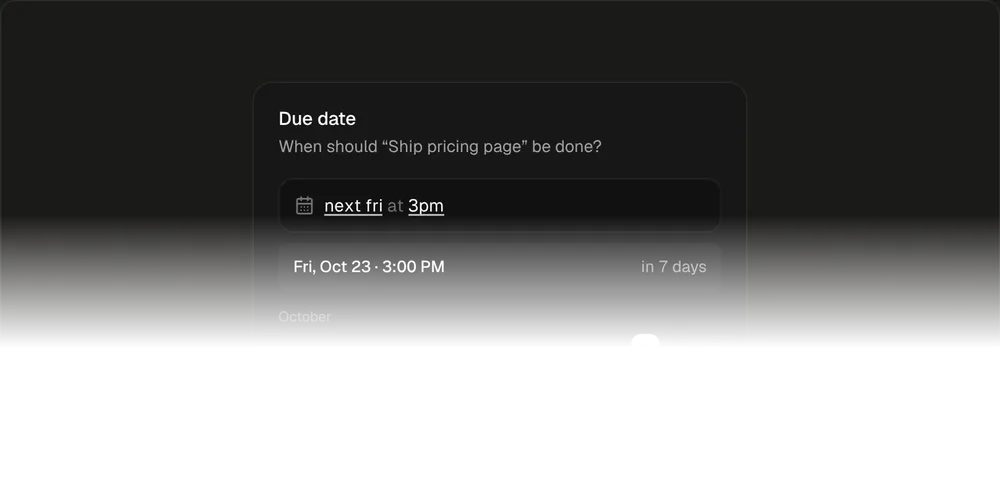
Natural Date Input03
Type “next fri 3pm” and a preview rolls to the exact date.
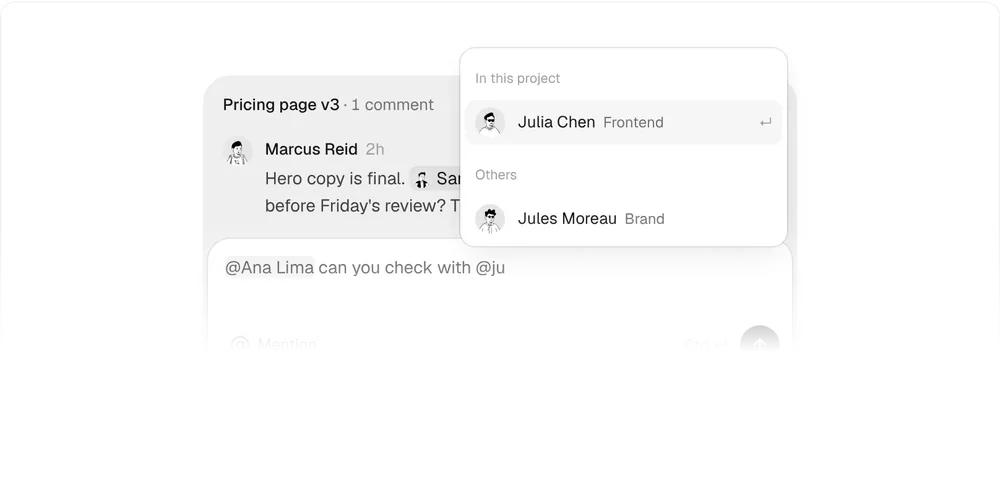
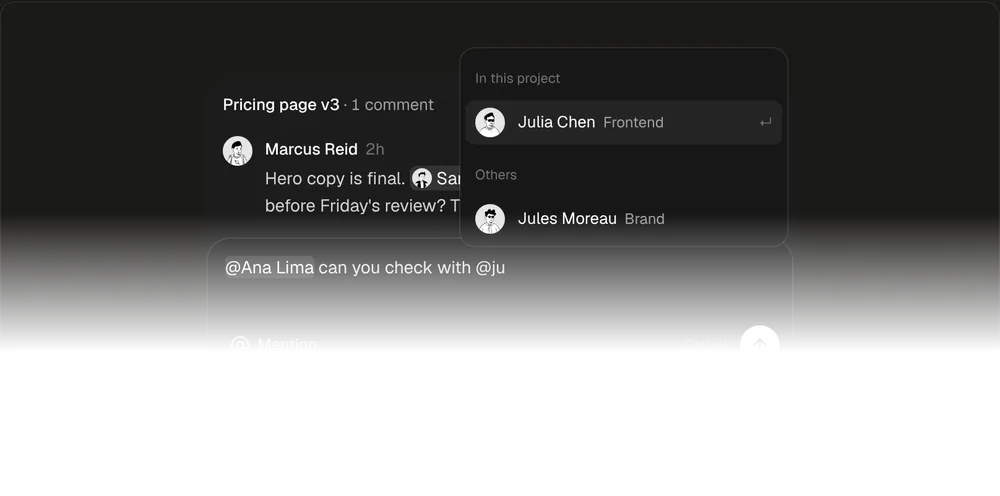
Mention Input04
Type @ to pick people, and see who will be notified before you send.
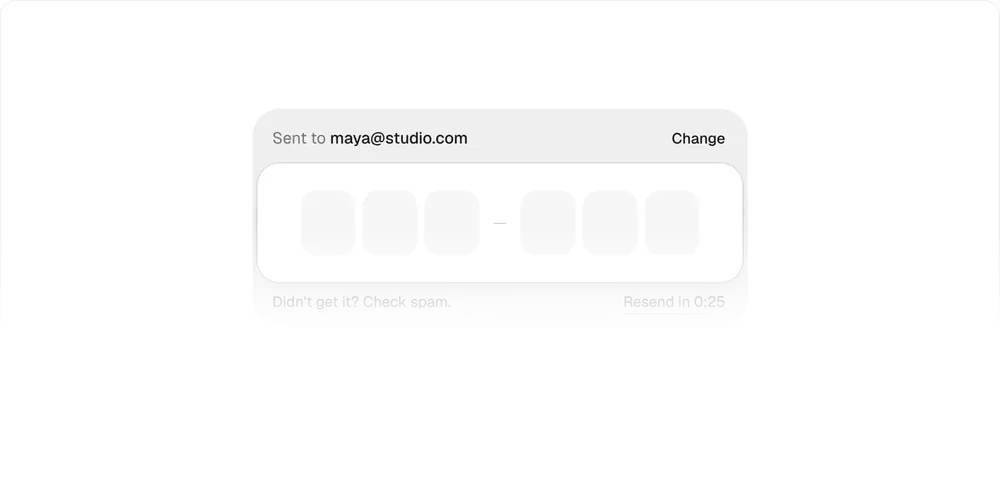
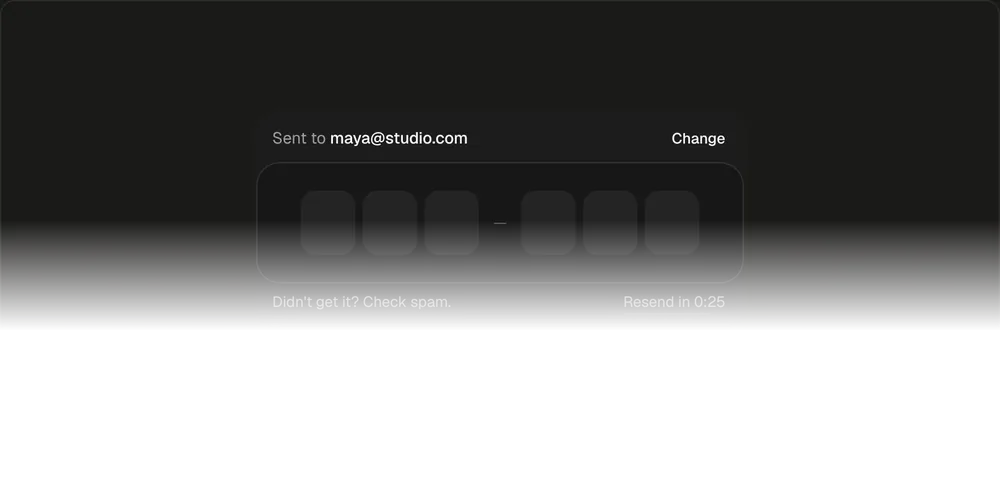
Verification Code05
Fills from typing, paste or autofill, and folds into a Verified pill.
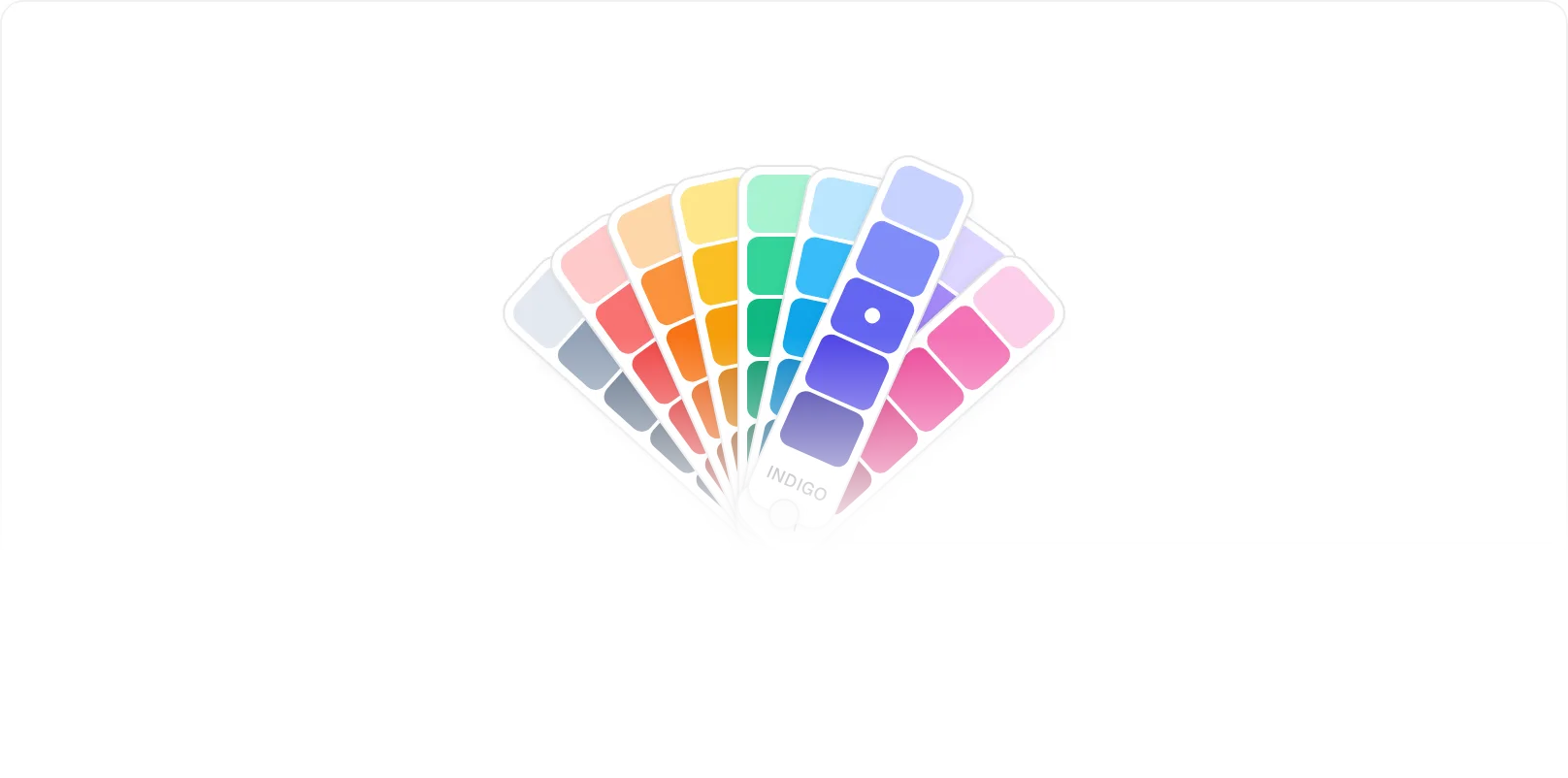
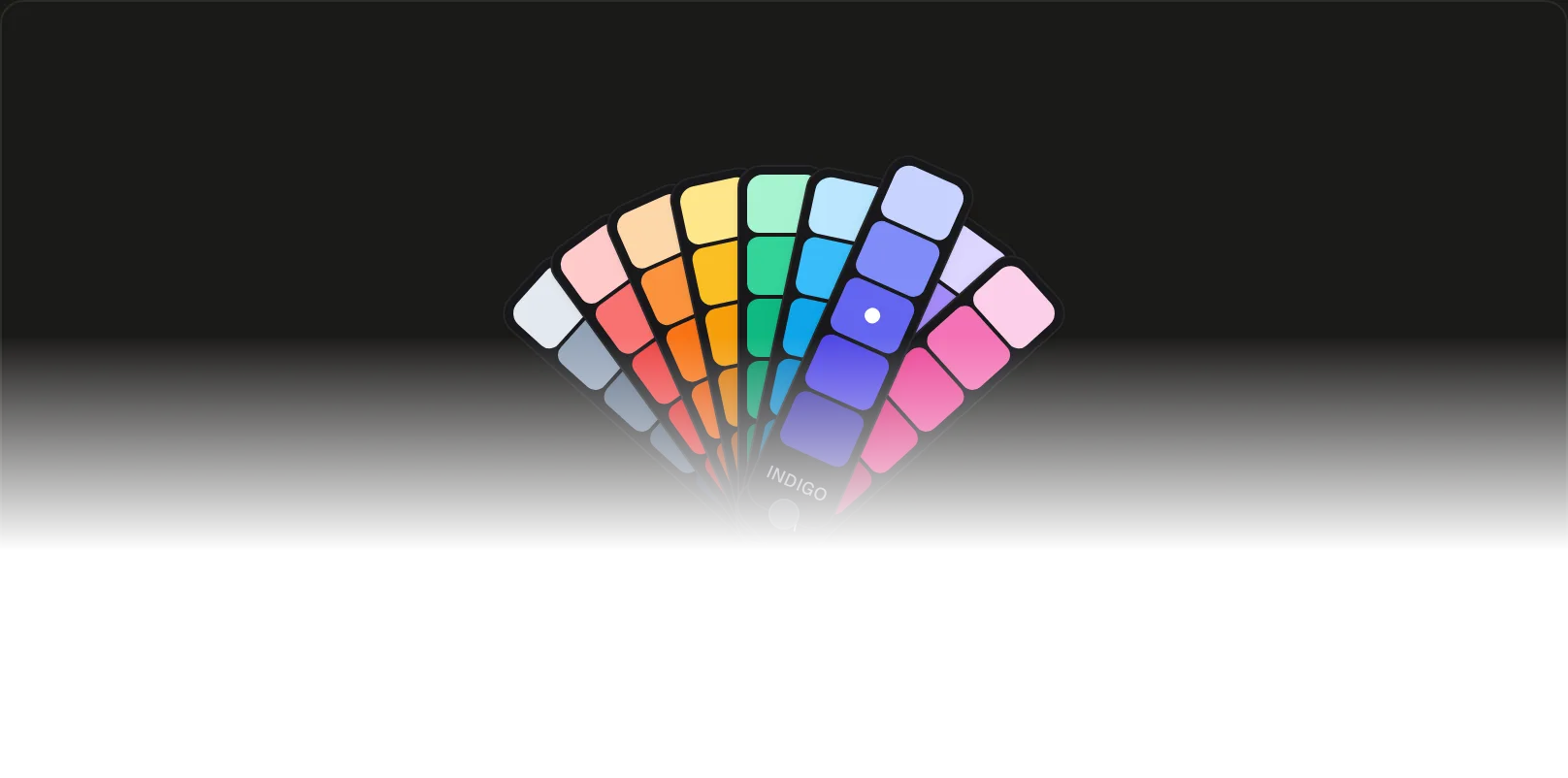
Swatch Fan06
Drag the deck open like a paint fan and pick a shade.
Forms and dialogs
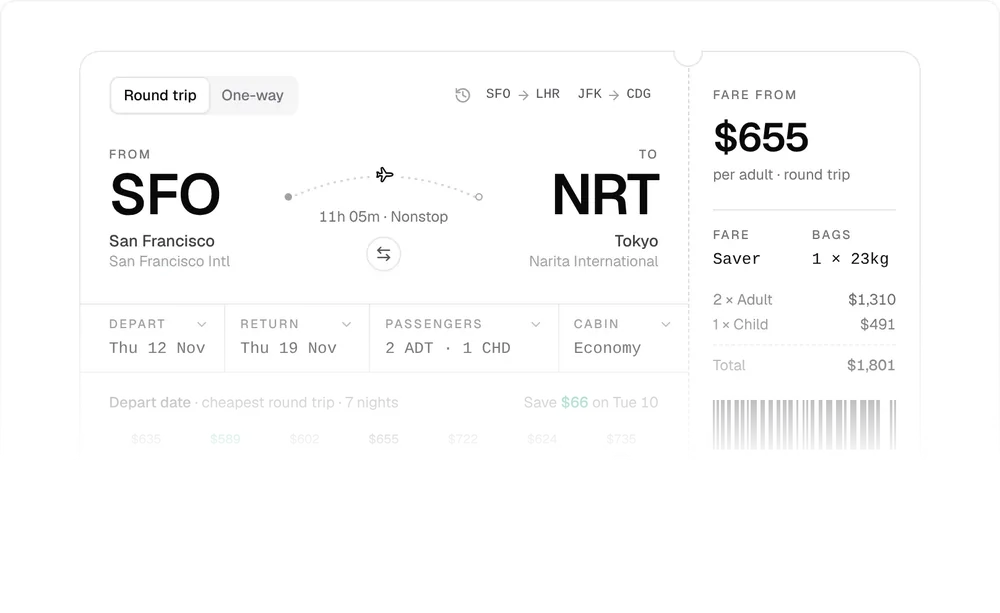
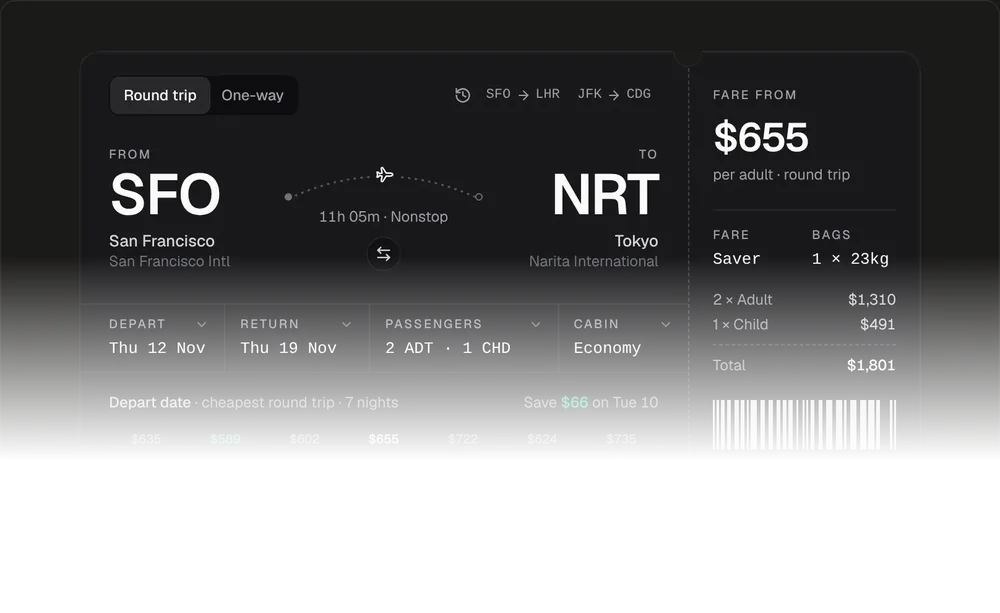
Flight Search Form01
A boarding-pass search with an animated swap and a passengers picker.
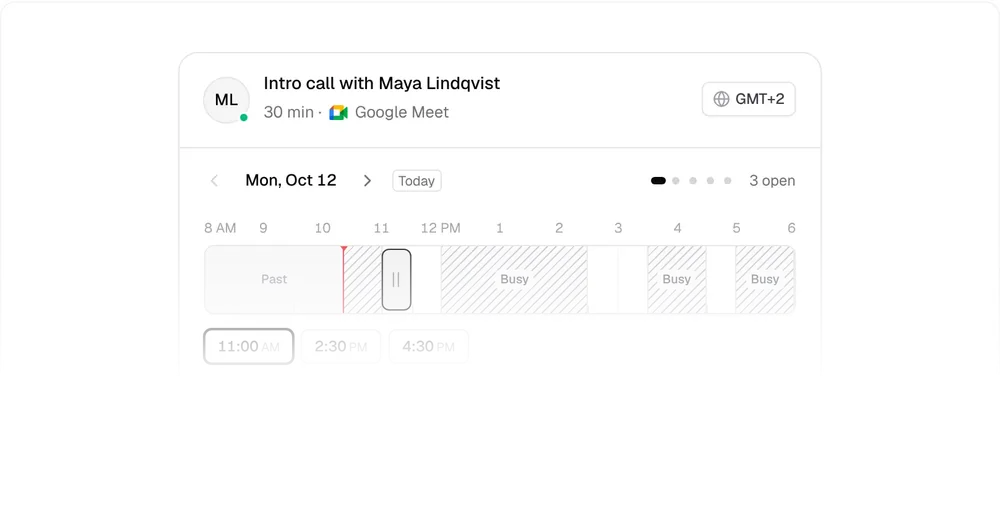
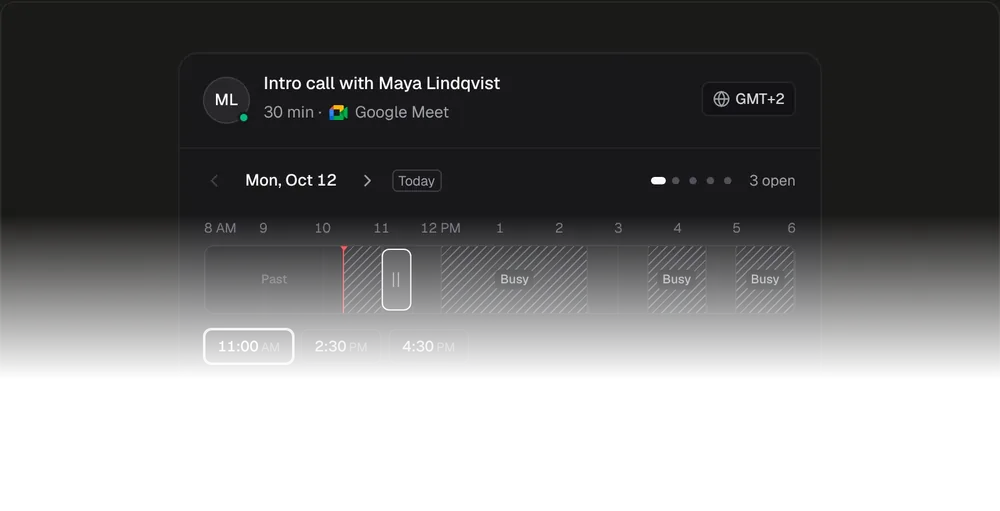
Booking Picker02
Drag a 30-minute window between busy blocks in the host's day.
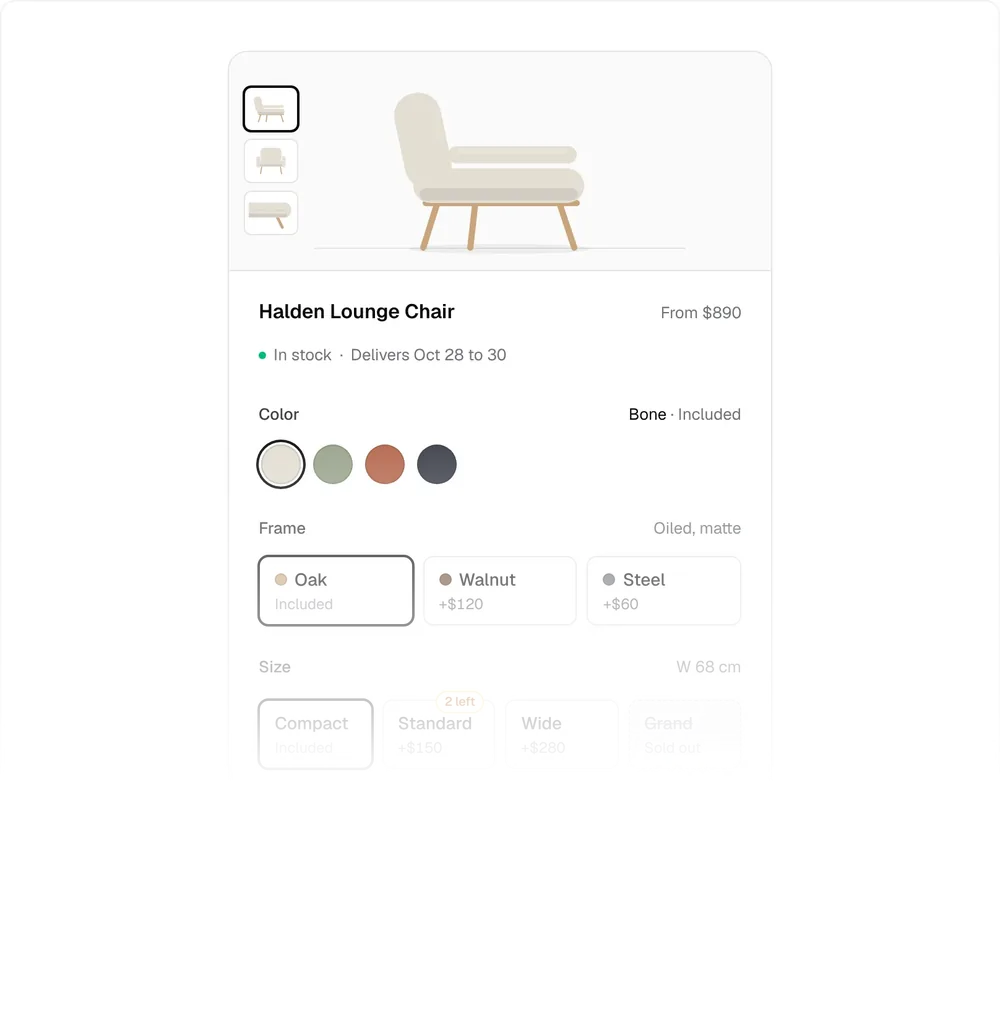
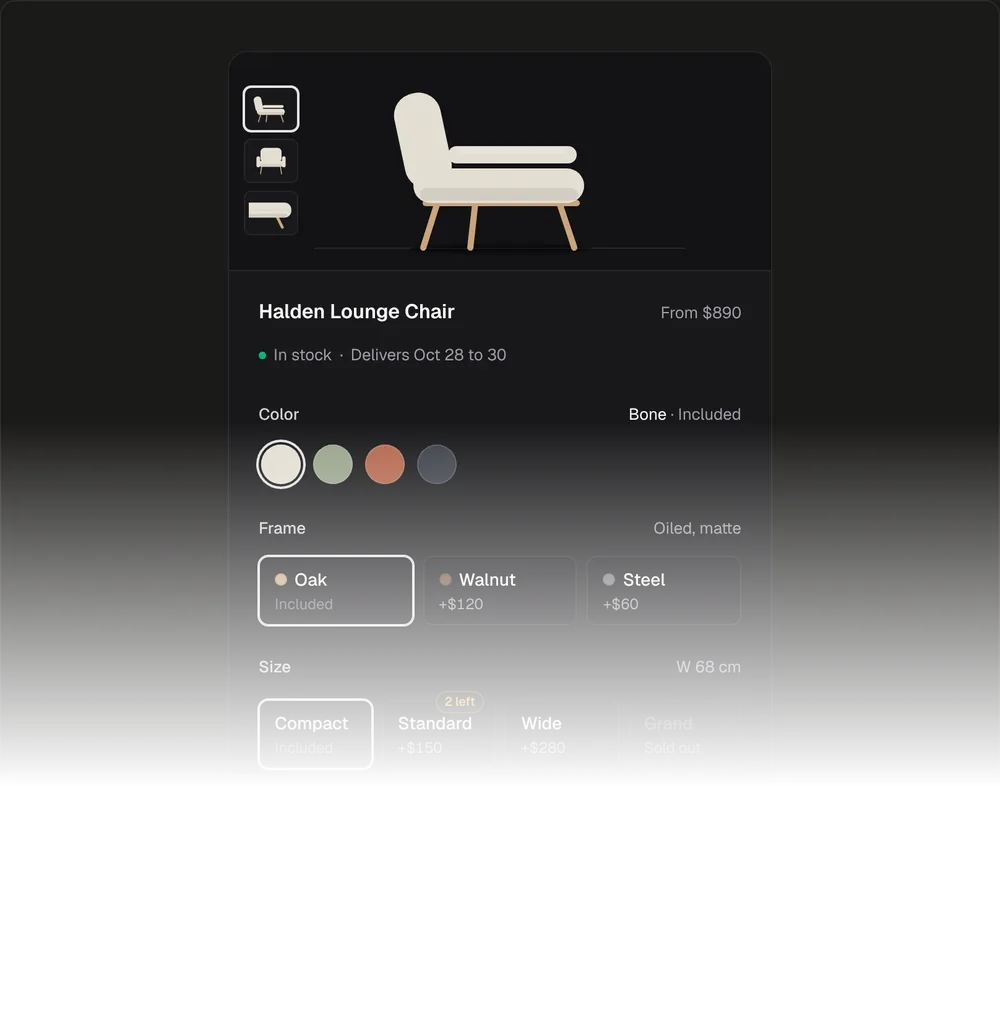
Product Options Form03
A price delta on each option, a rolling total and stock hints.
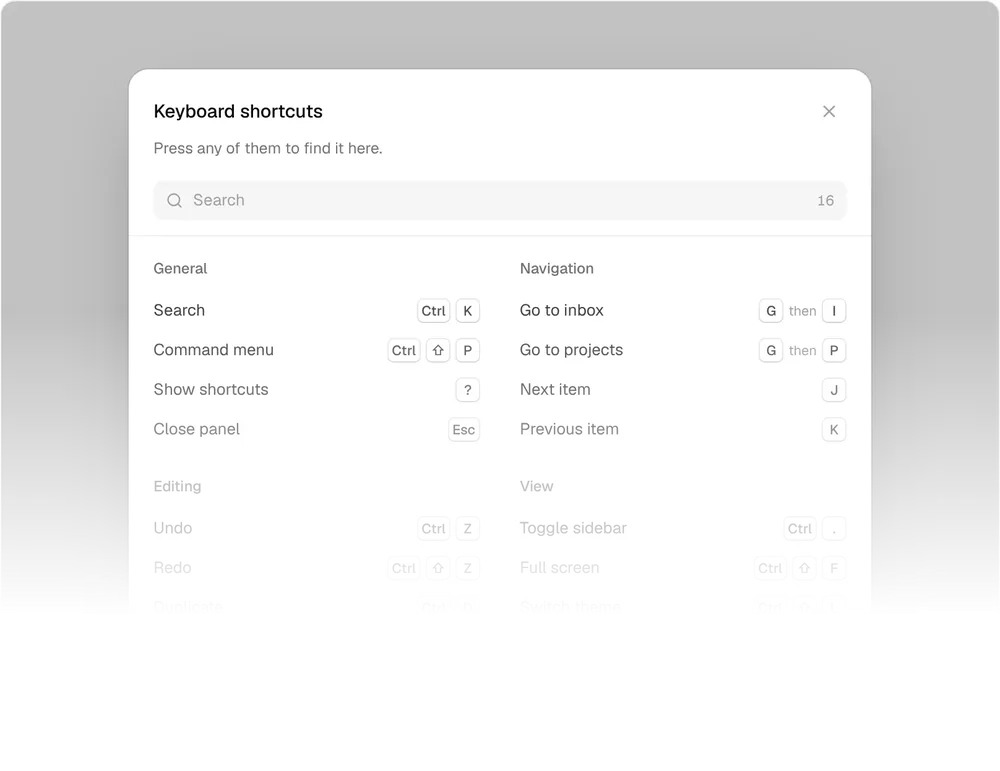
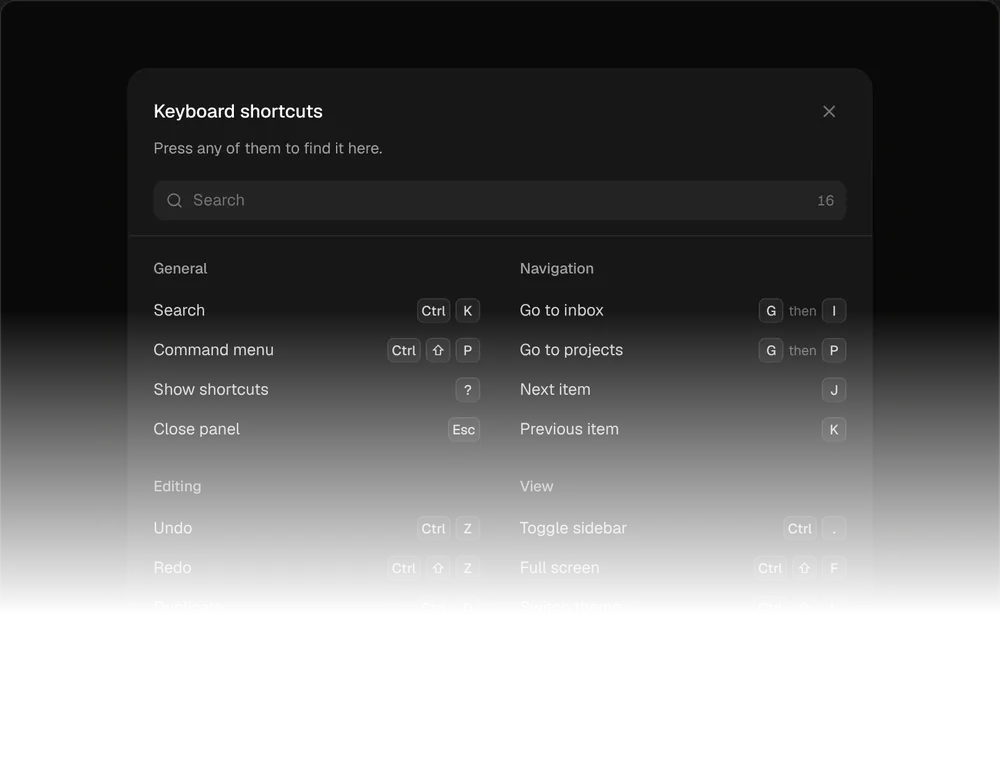
Shortcuts Dialog04
Every shortcut in one sheet, and keys light up as you press them.
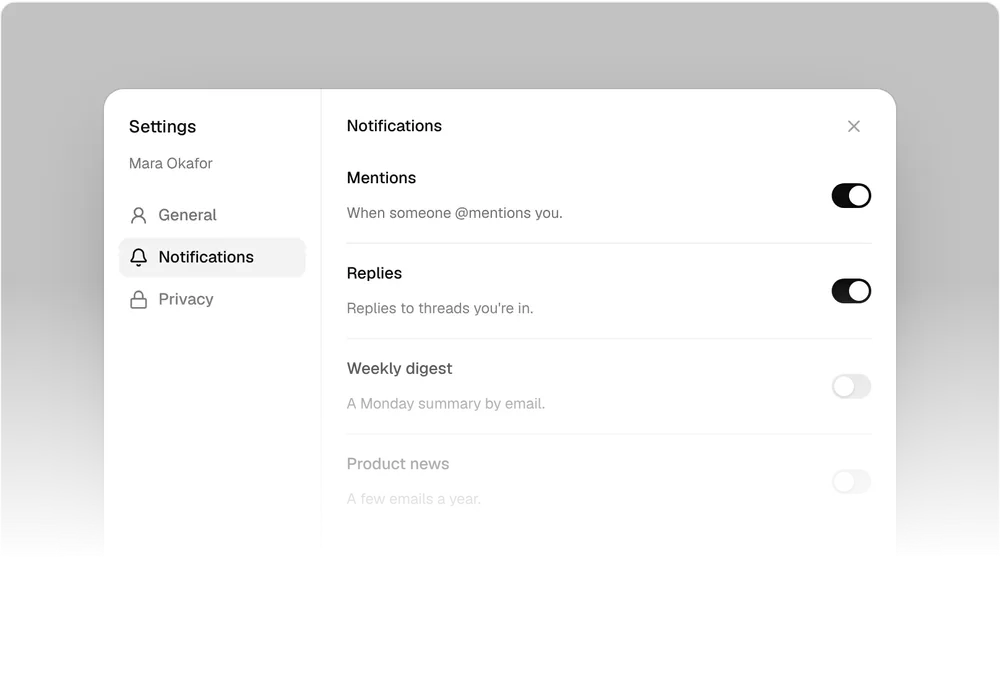
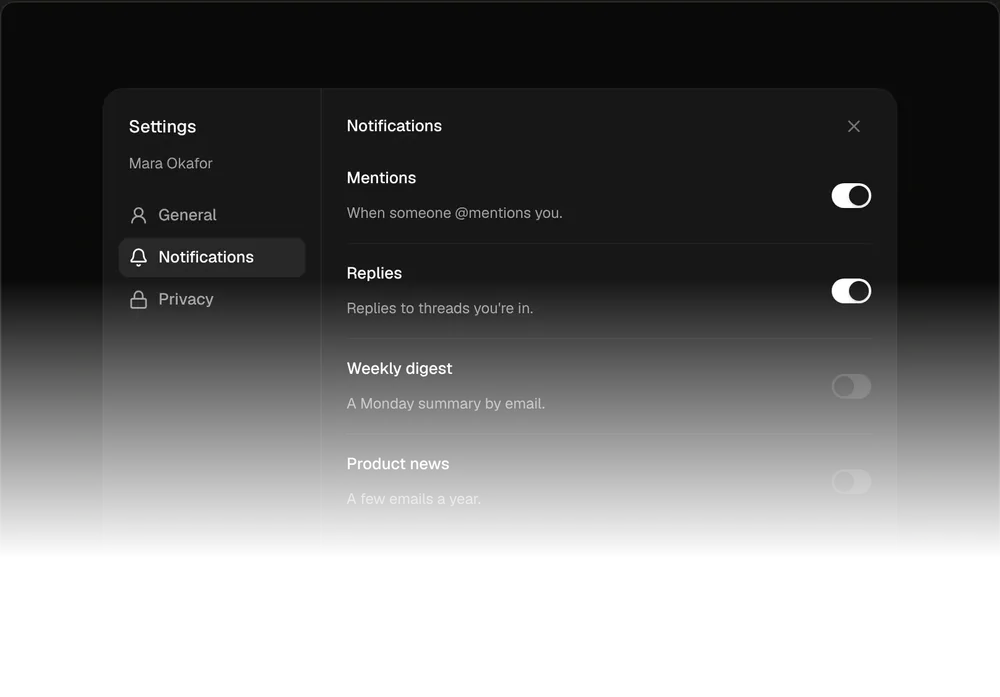
Settings Dialog05
Changes wait for Save, with a count bar and a dot on edited sections.
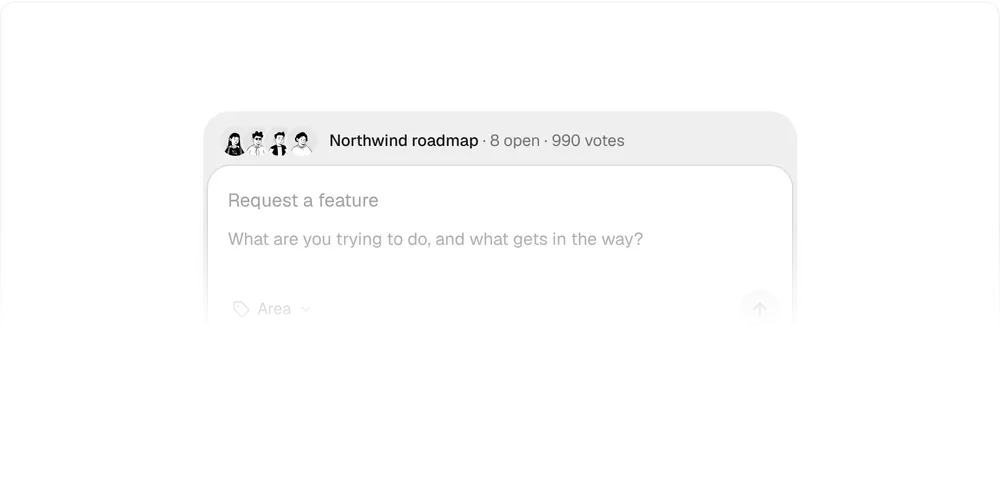
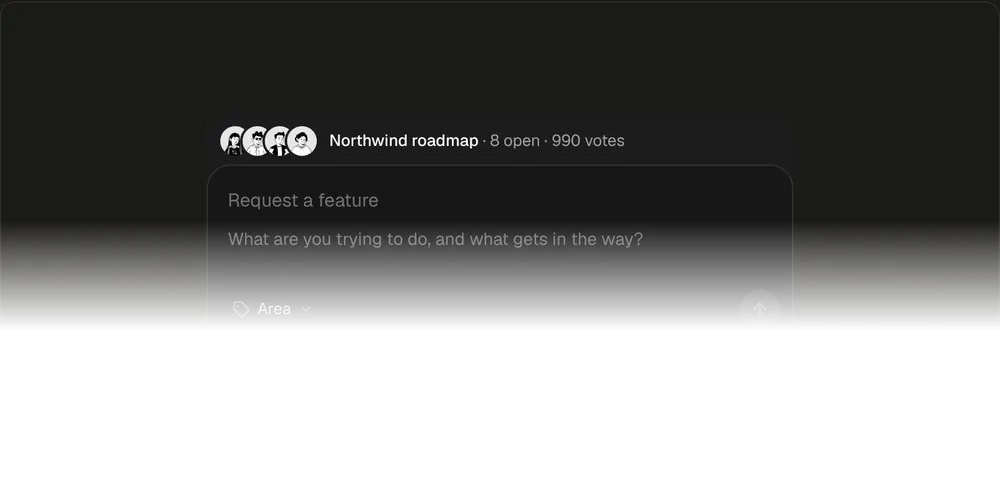
Feedback Composer06
Similar roadmap requests show up as you type, ready to upvote.
Pricing
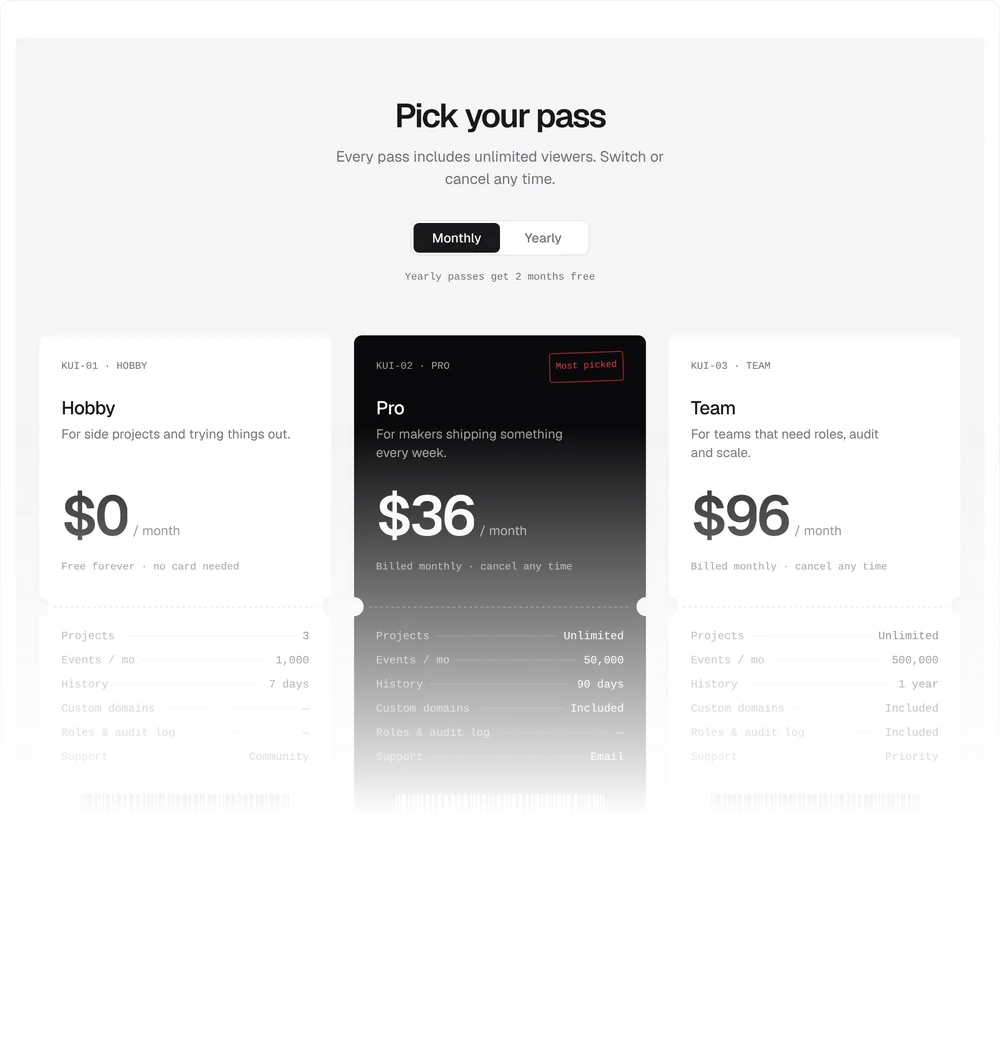
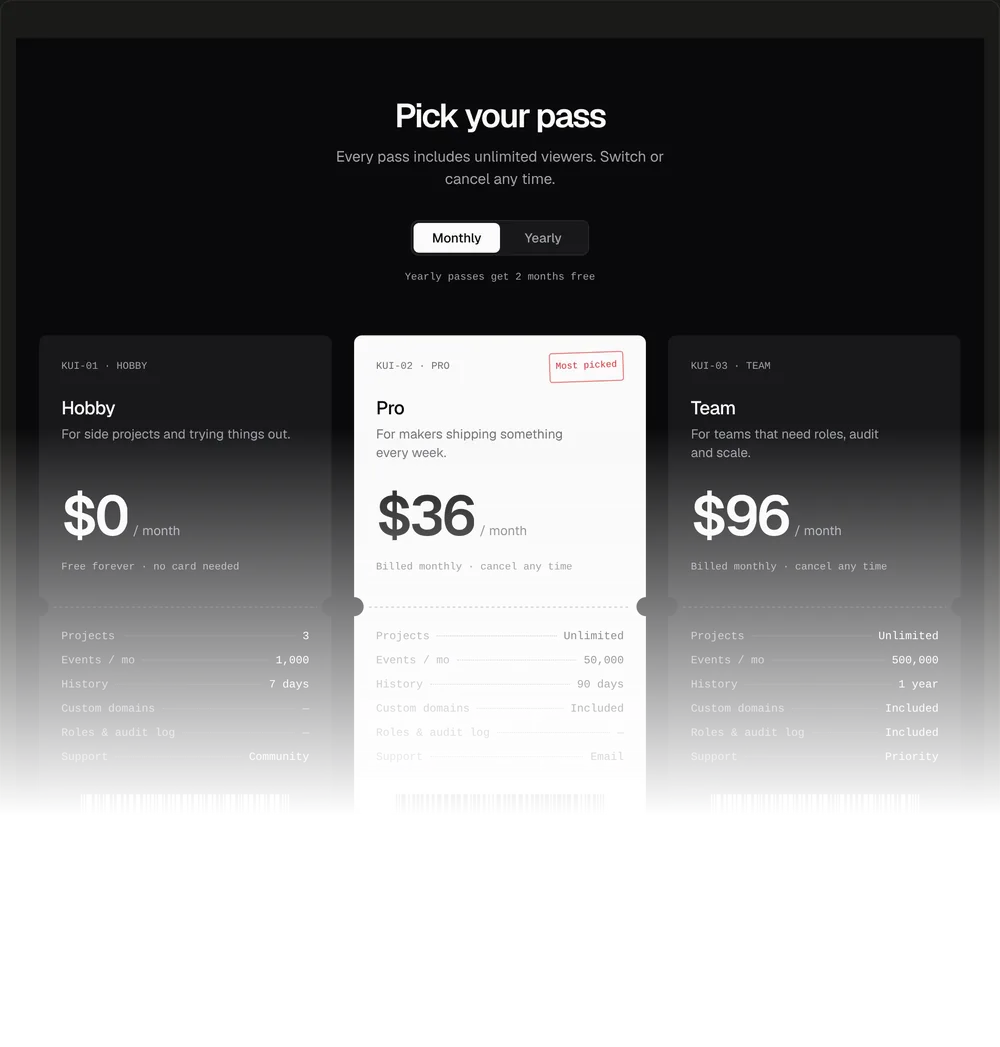
Ticket Pricing01
Three plans as printed passes with rolling prices and a barcode stub.
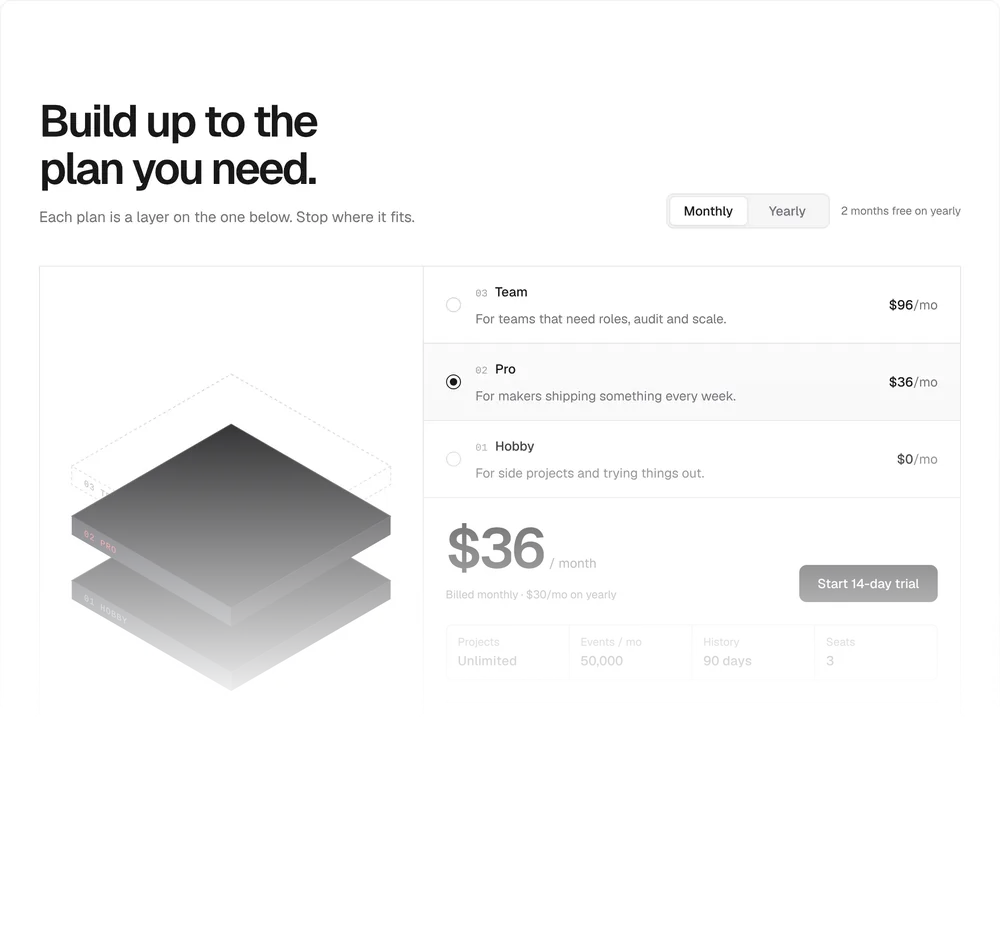
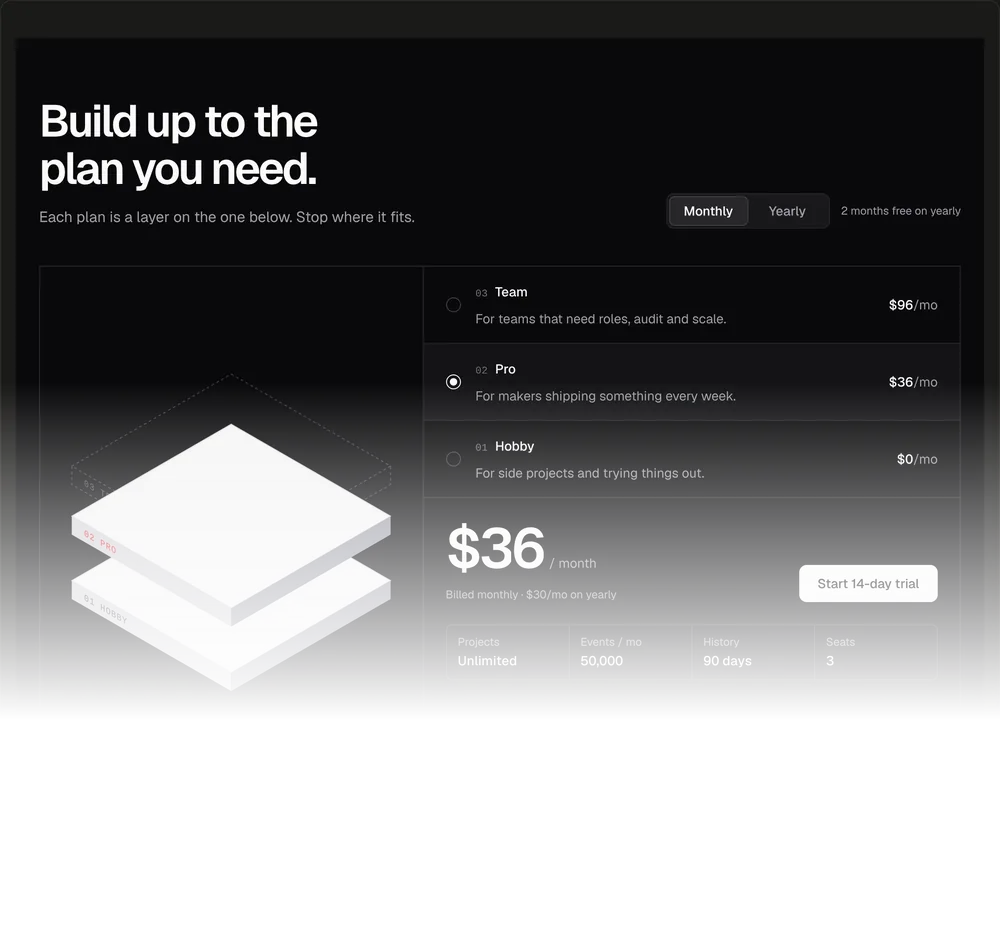
Layer Stack Pricing02
Pick a plan and an isometric stack builds up to it.
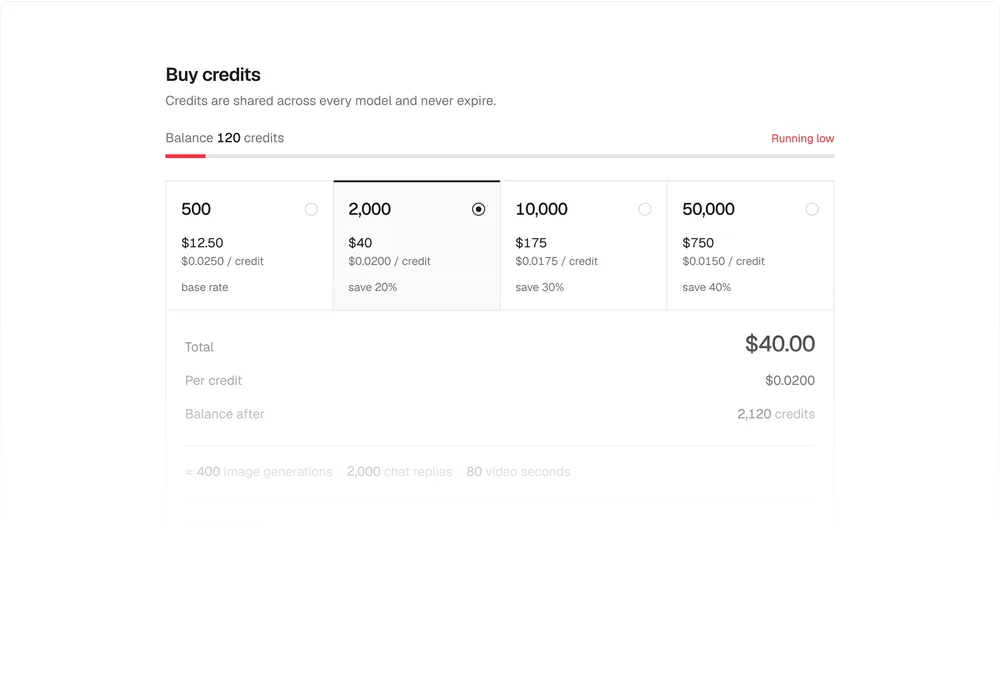
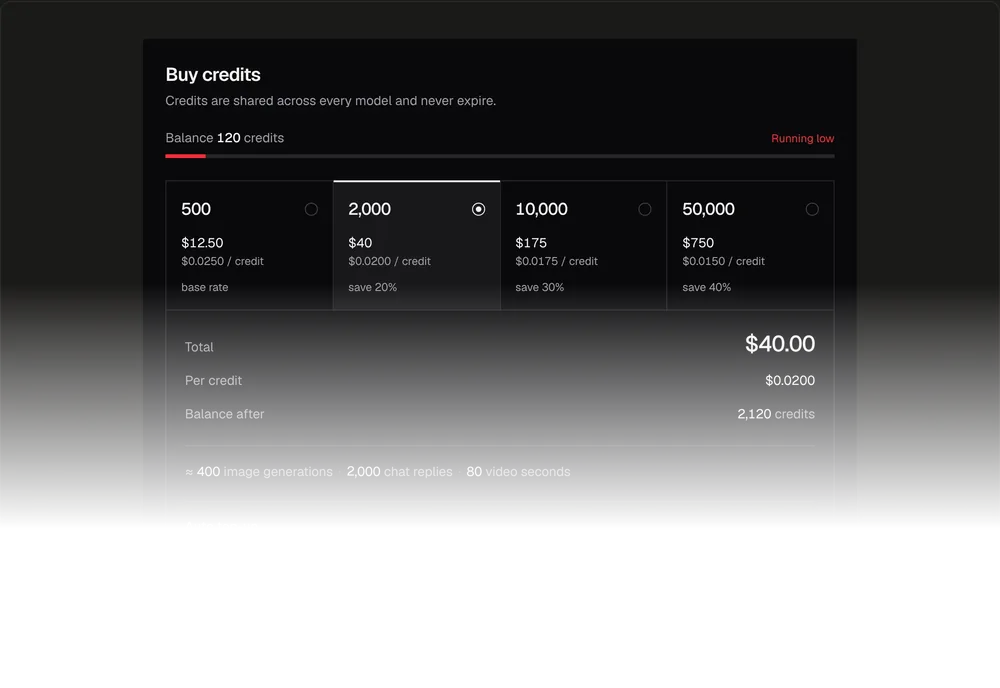
Credit Pack Pricing03
Prepaid credit packs with the price per credit and auto top-up.
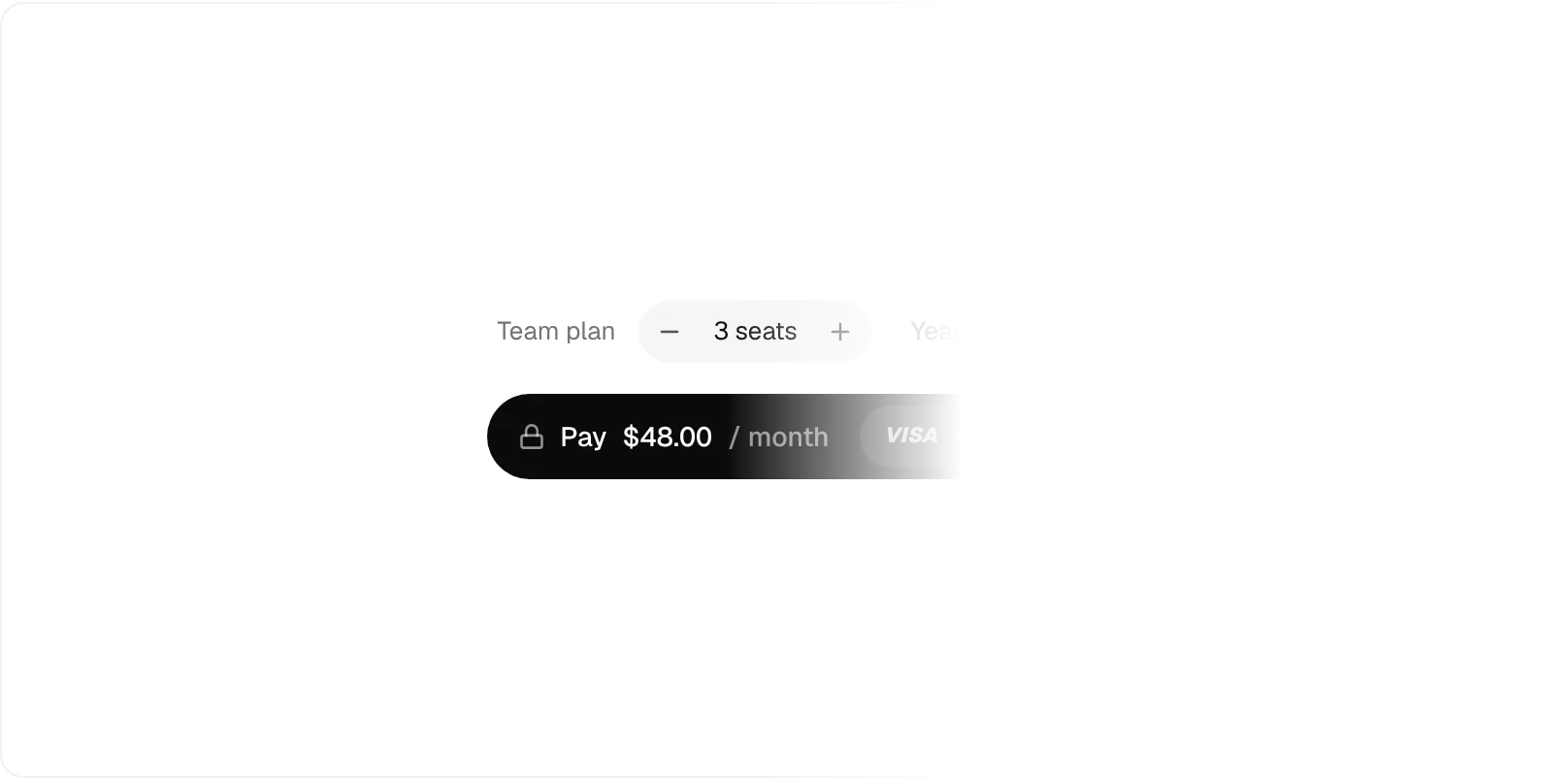
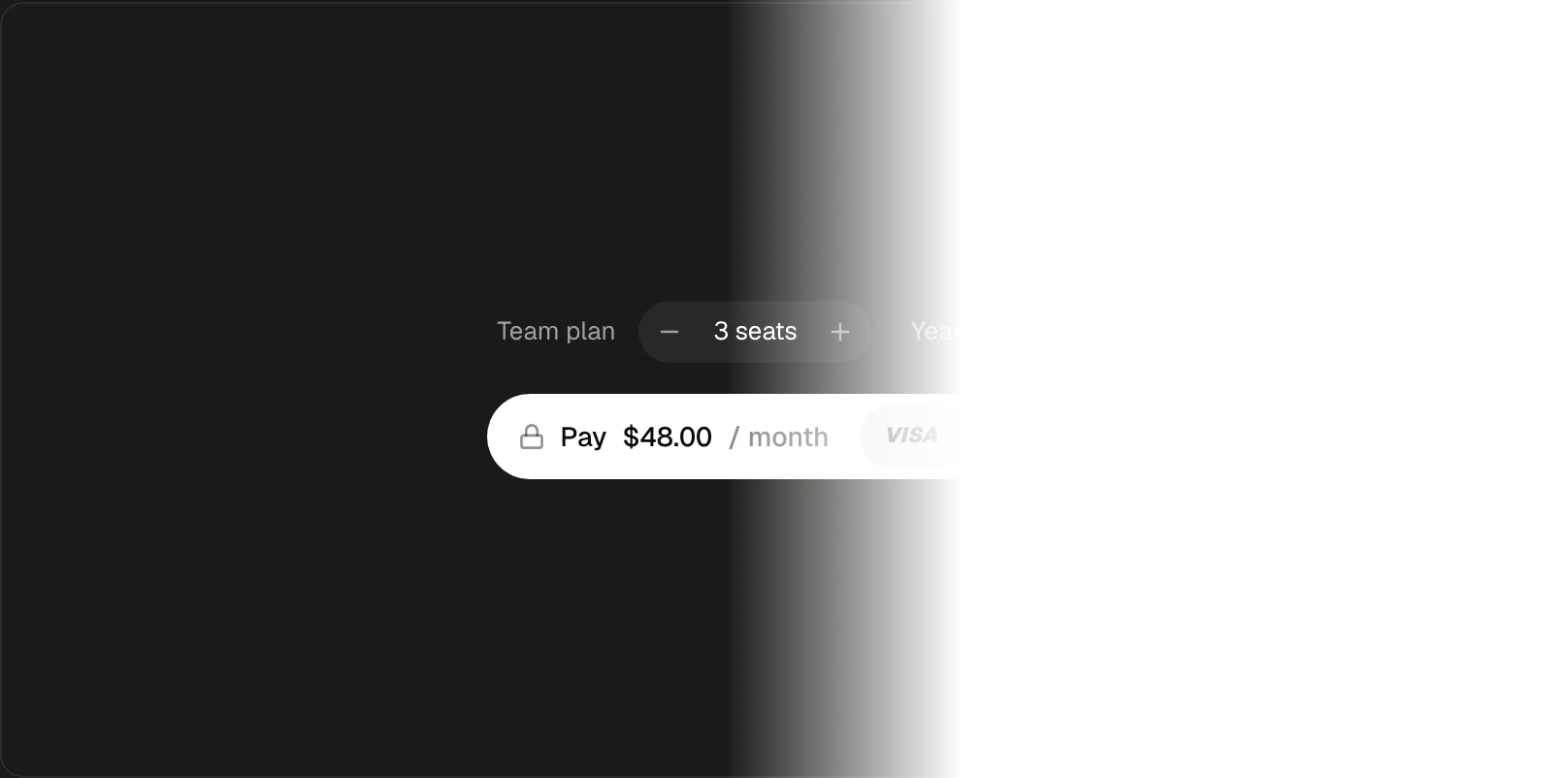
Pay Button04
Digits roll as seats change, then Processing and Paid.
Pages
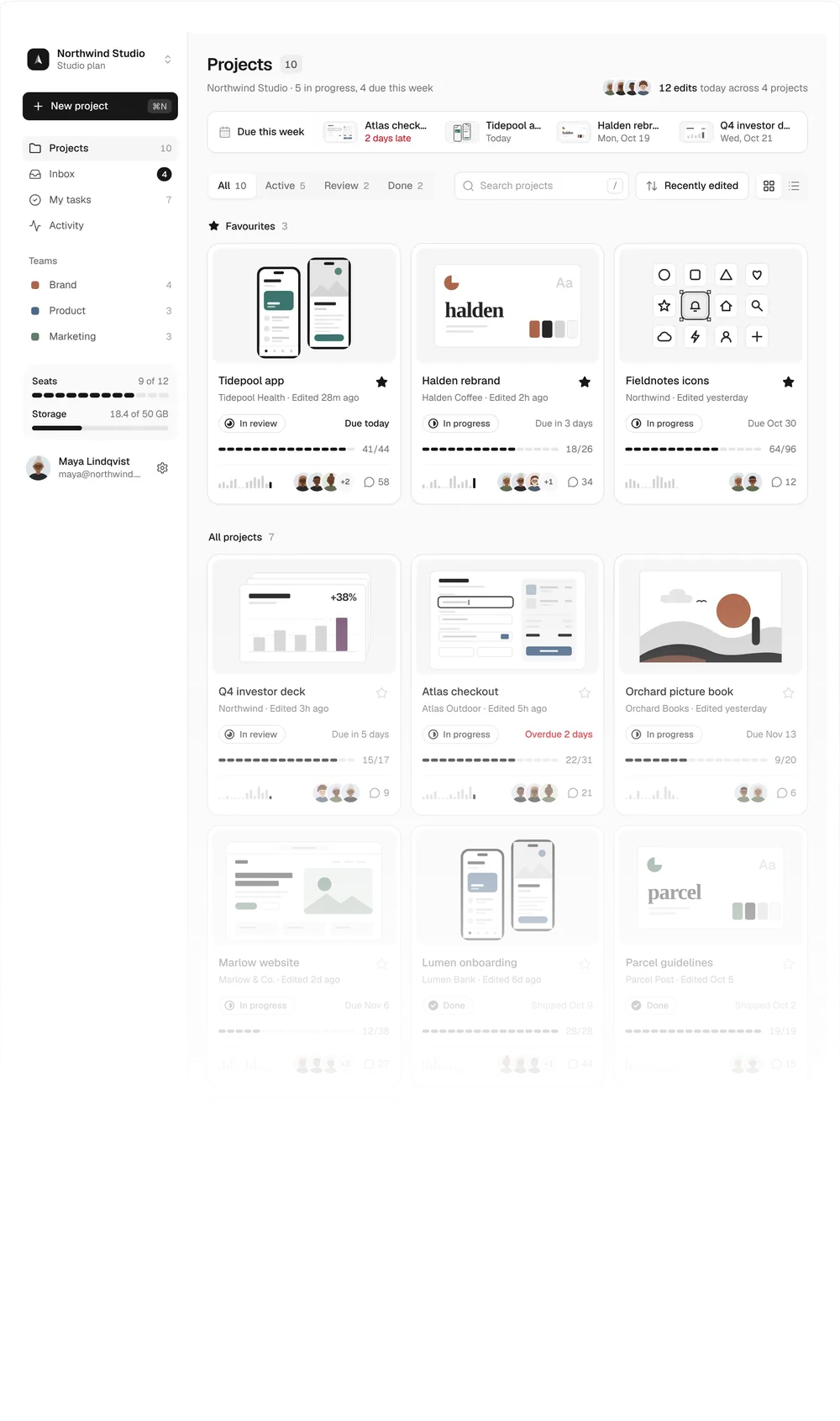
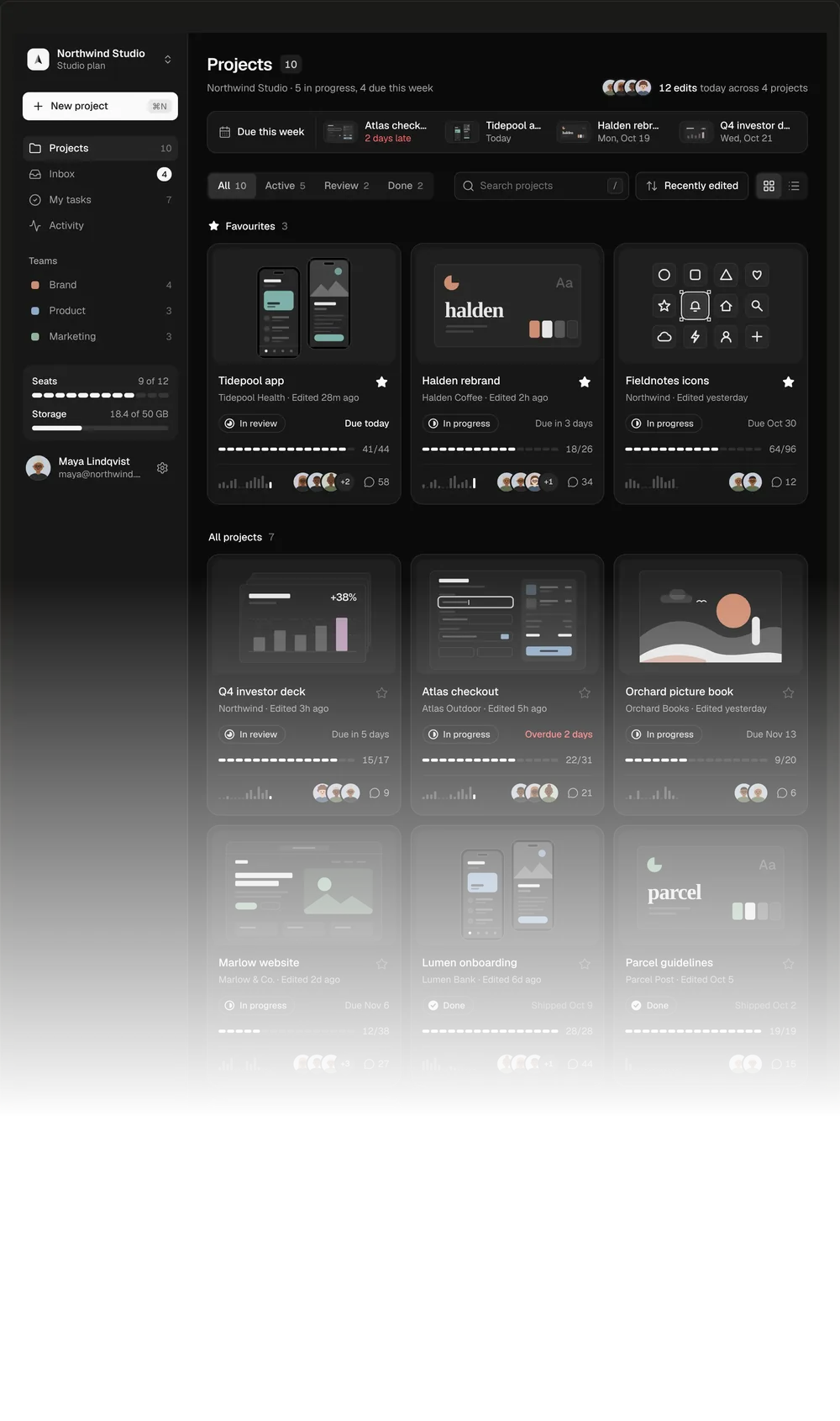
Projects Dashboard01
Project covers, live search and a grid that morphs into a list.
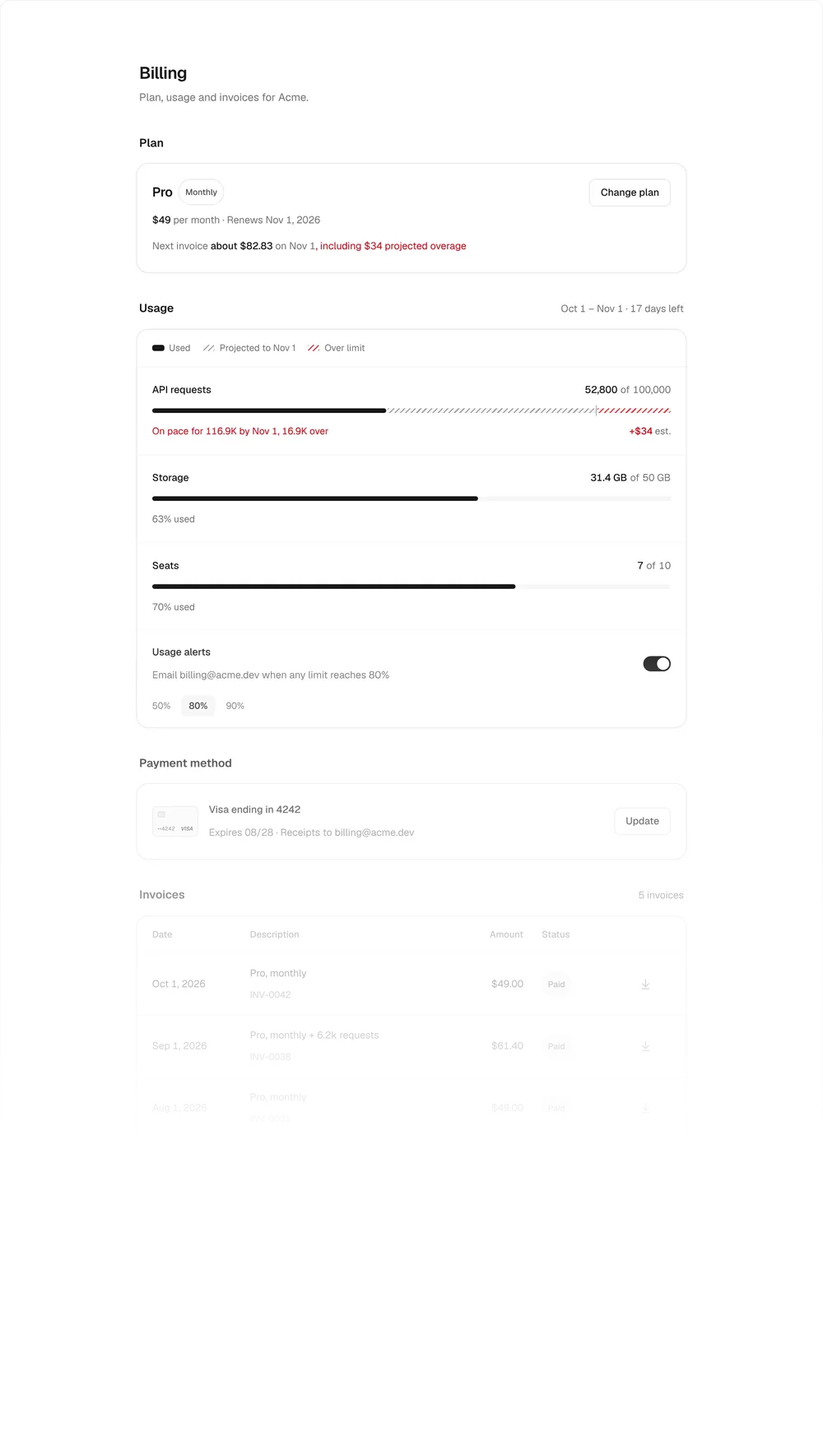
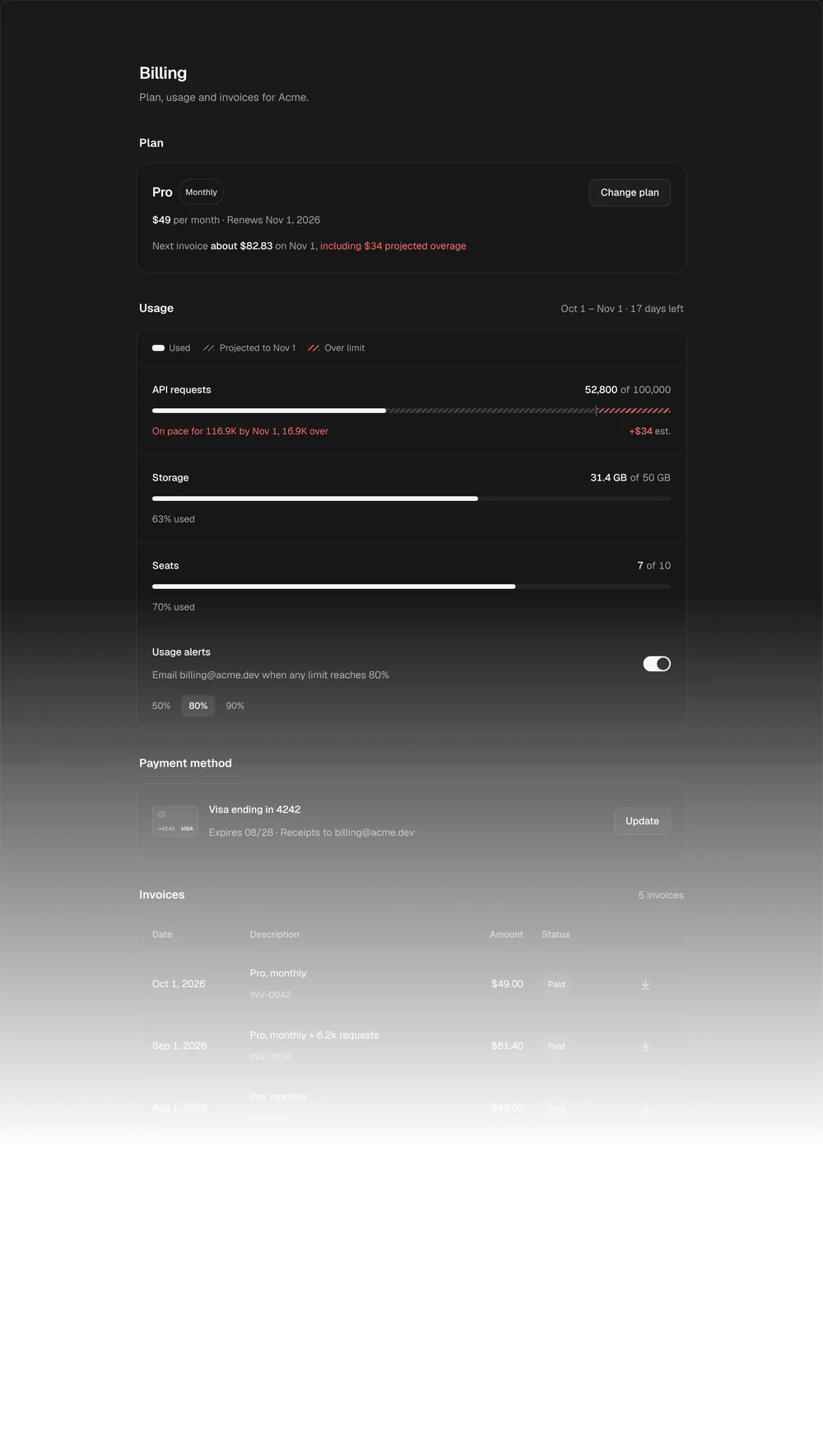
Billing and Usage02
Plan, projected usage meters, prorated changes and invoices.
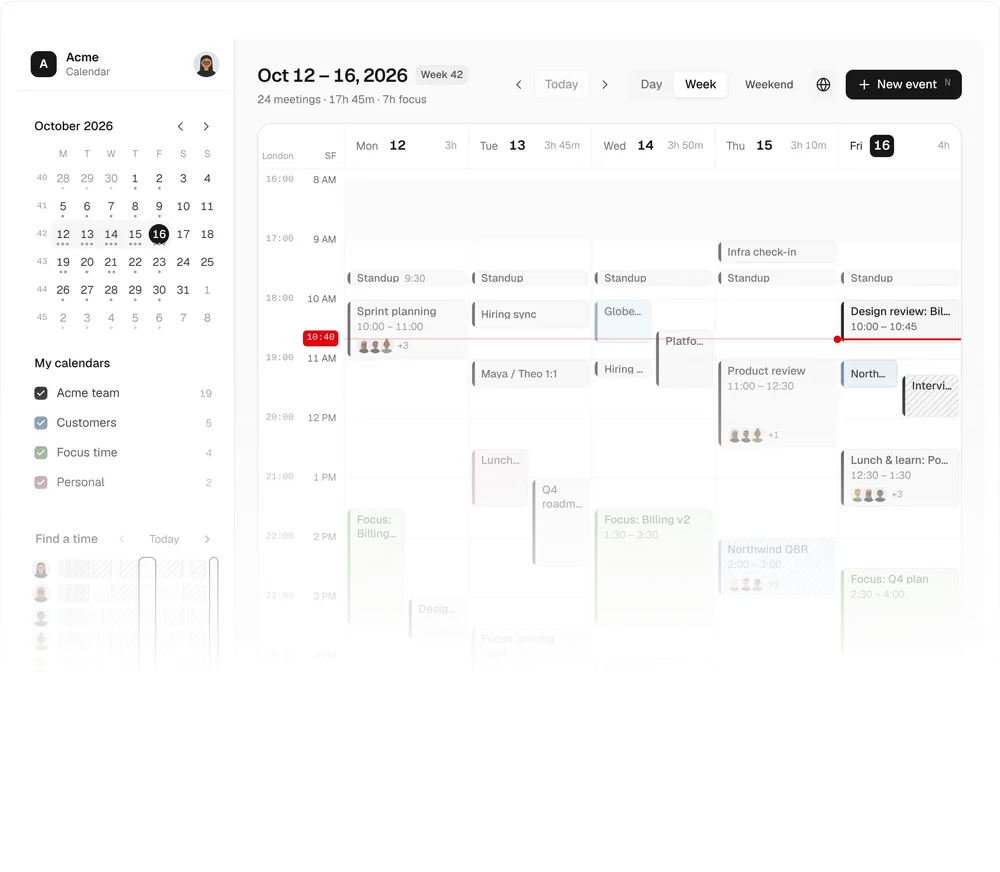
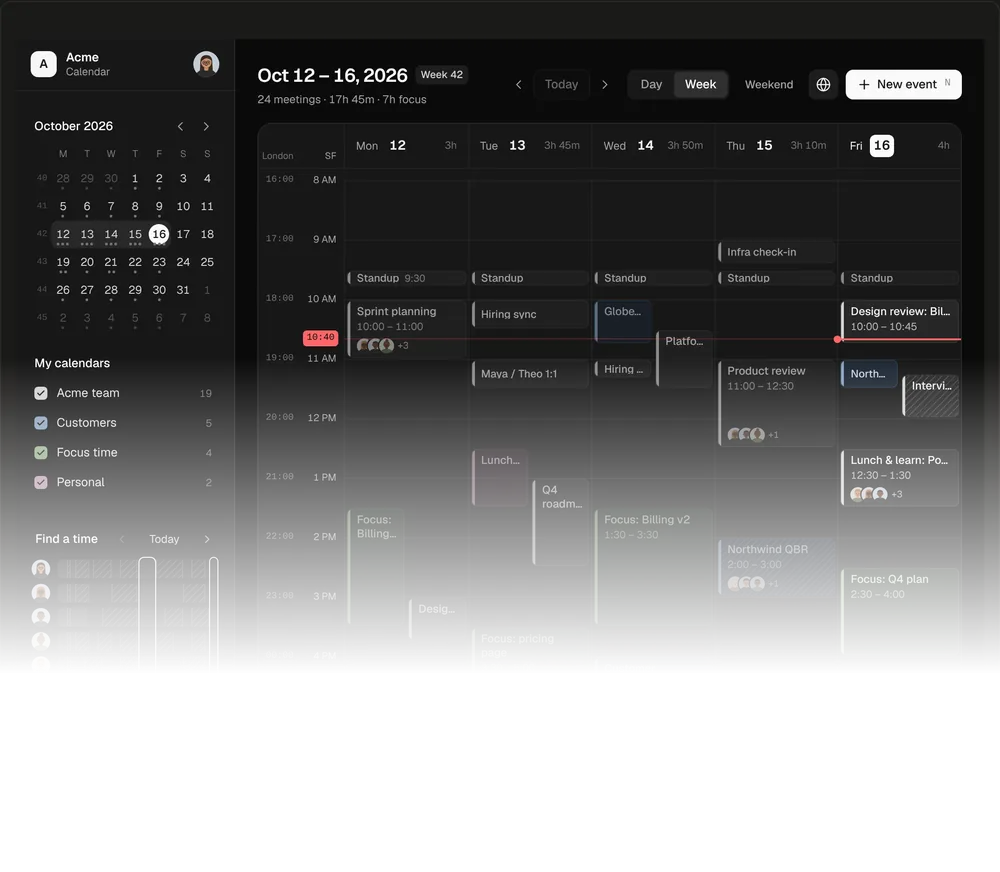
Team Calendar03
A team's week with drag to create, a second time zone and RSVPs.
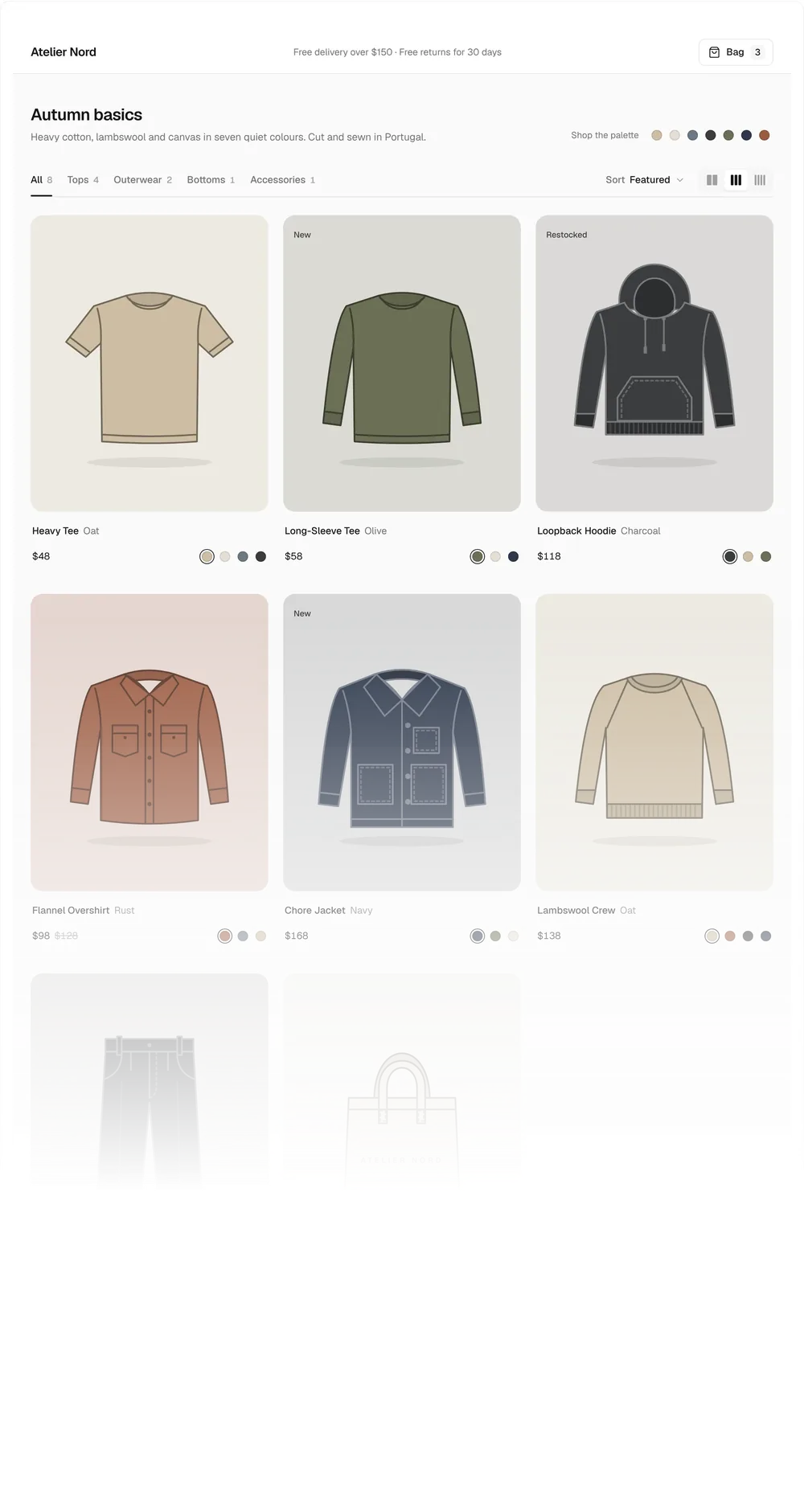
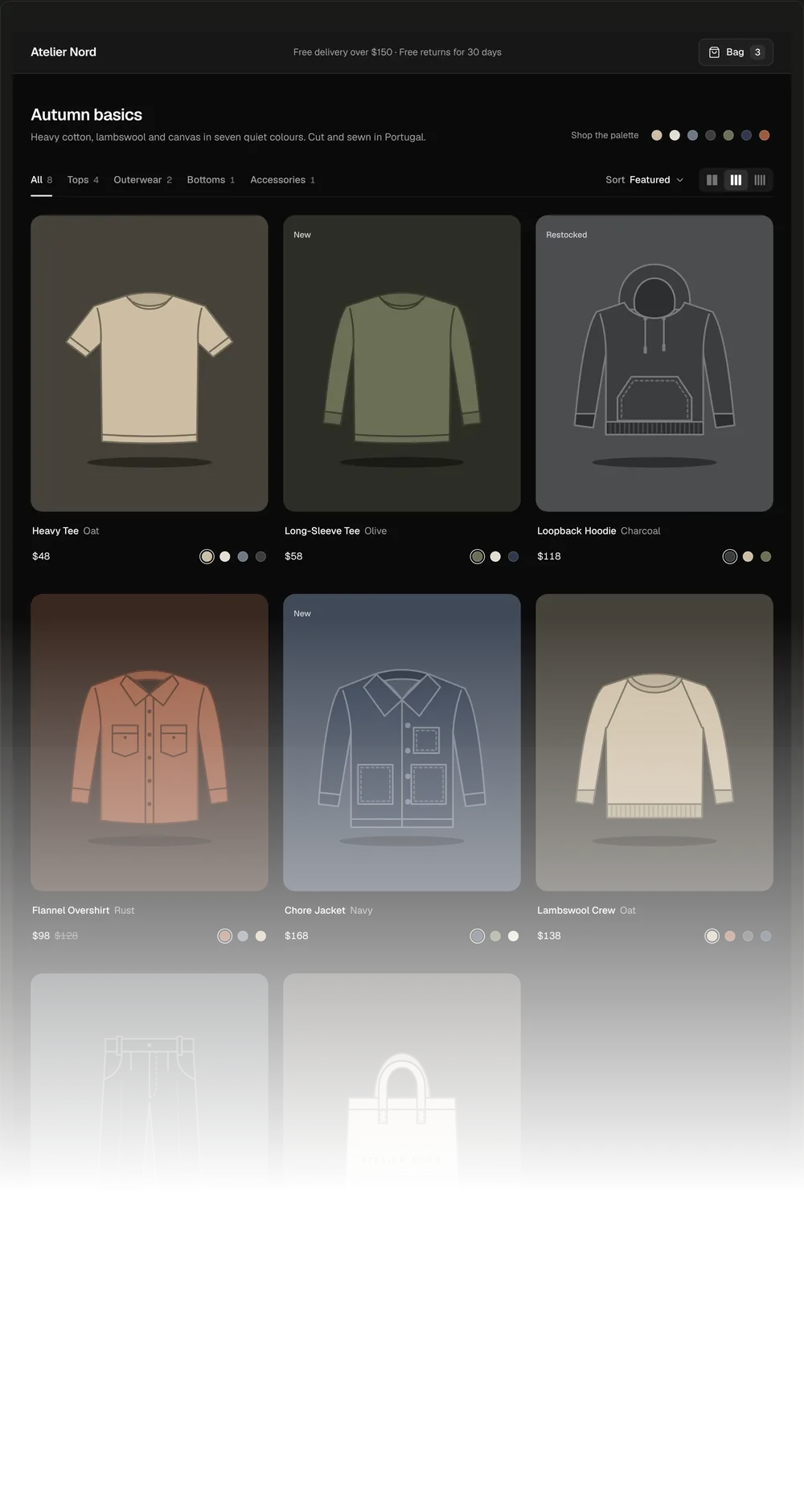
Storefront04
Garments that recolour live, quick add and a bag drawer.