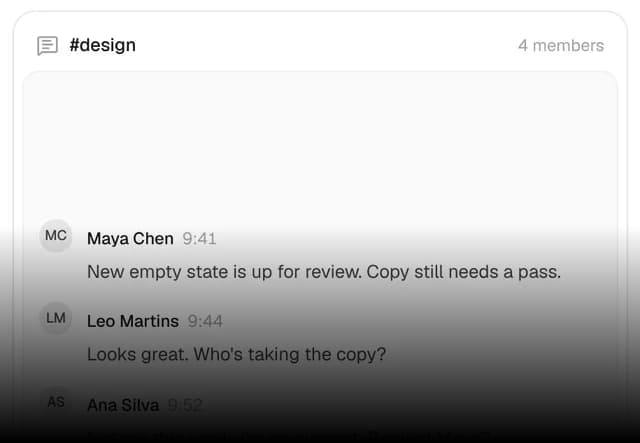
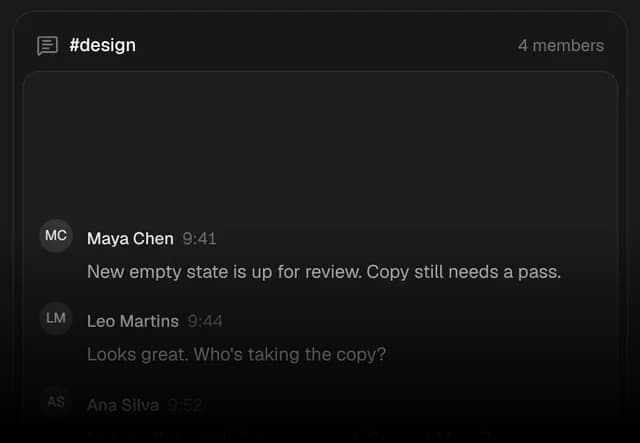
AI-29AINew, November 28, 2026
AI Upload
A drop zone the assistant shows when a post needs photos or a video. Each file uploads with its own progress, and one button hands the links back to the chat.
IN USEThis component is used in Postrippl.

Usage
With no props it plays the demo: one photo is up, the next is on its way, and any file you drop fakes its upload. Pass upload and the card sends real files instead. It gets each File and an onProgress callback, and resolves with the file's URL. onUse receives every URL when the user presses Use these files. Up to maxFiles photos fit in one post (4 by default), and a video always goes alone.
"use client";

import AIUpload from "@/components/kokonutui/ai-upload";

/** Sends each file to your storage and returns its public URL. */
async function upload(file: File, onProgress: (progress: number) => void) {
  const { url, publicUrl } = await fetch("/api/upload-url", {
    method: "POST",
    body: JSON.stringify({ name: file.name, type: file.type }),
  }).then((res) => res.json());

  await new Promise<void>((resolve, reject) => {
    const xhr = new XMLHttpRequest();
    xhr.upload.onprogress = (event) => onProgress(event.loaded / event.total);
    xhr.onload = () => (xhr.status < 300 ? resolve() : reject(new Error("Upload failed.")));
    xhr.onerror = () => reject(new Error("Upload failed."));
    xhr.open("PUT", url);
    xhr.send(file);
  });
  return publicUrl;
}

export function MediaStep({ send }: { send: (text: string) => void }) {
  return (
    <AIUpload
      message="Drop the photos for this post."
      onUse={(urls) => send(`Use these as mediaUrls:\n${urls.join("\n")}`)}
      upload={upload}
    />
  );
}PROSlash Command Menu and more like it are in Kokonut UI Pro
Installation
AI Upload is a free, open-source React component in the Kokonut UI AI collection. Add it with the shadcn CLI, which copies the source into components/kokonutui/ai-upload.tsx, so the code is yours to change.
npx shadcn@latest add @kokonutui/ai-uploadOr add it by hand: install its packages, then copy the source from Copy code above into components/kokonutui/ai-upload.tsx.
npm install lucide-react motionProps
messagestringWhat the assistant says above the card.
maxFilesnumberDefault 4Images allowed in one post. A video always goes alone.
upload(file: File, onProgress: (progress: number) => void) => Promise<string>Sends one file and resolves with its URL. Call onProgress with 0 to 1 as it goes. Leave it out and the card fakes the upload, for the demo.
onUse(urls: string[]) => voidCalled with every uploaded URL when the user hands them to the chat.
classNamestringExtra classes for the root element.
Dependencies
| Needs | Version | Comes from |
|---|---|---|
lucide-react | ^0.556.0 | npm, installed by the CLI |
motion | ^12.23.25 | npm, installed by the CLI |
cn from lib/utils.ts | shadcn init | |
| React | 19 | Your app |
| Tailwind CSS | 4 | Your app |
No provider, font or global CSS to set up: the file works as soon as it lands.
Image Generation CardPRO
An AI image panel where Generate resolves the picture from coarse pixel blocks to sharp with a step counter, then four variations land. Part of Kokonut UI Pro.
Background Components
Free animated React backgrounds and hero sections: dot fields, flow fields, ink, caustics and rain on glass, built with Tailwind CSS, canvas and WebGL.